
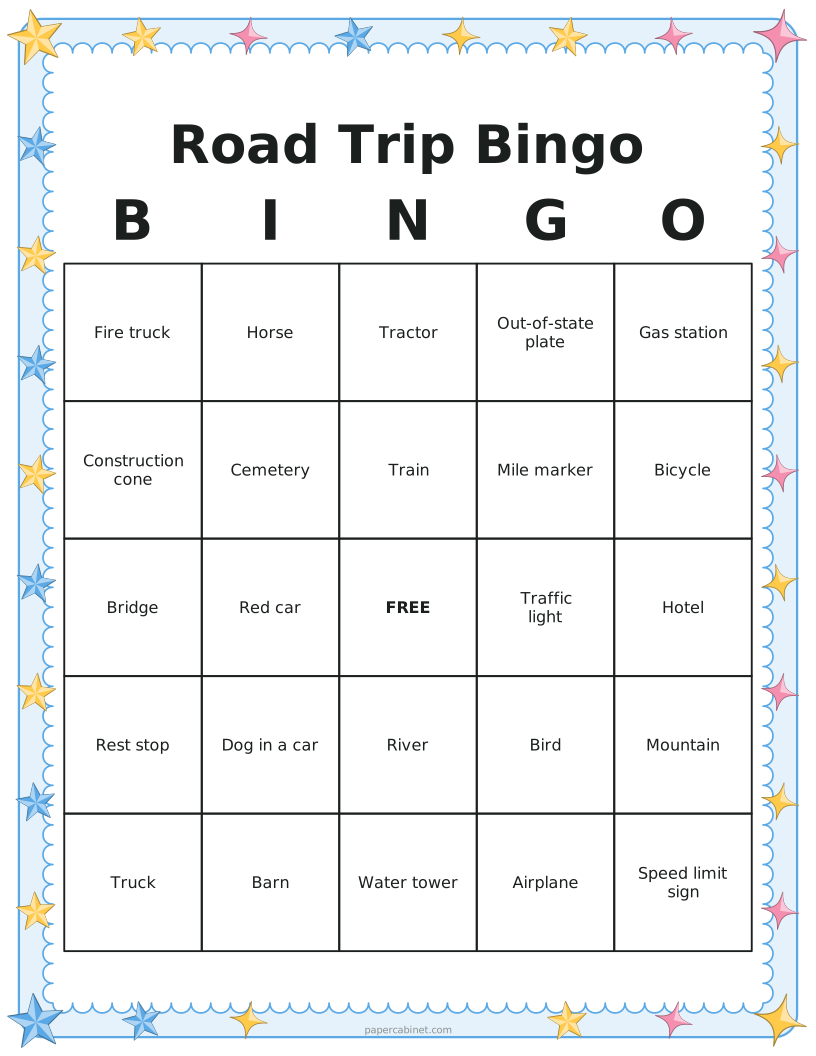
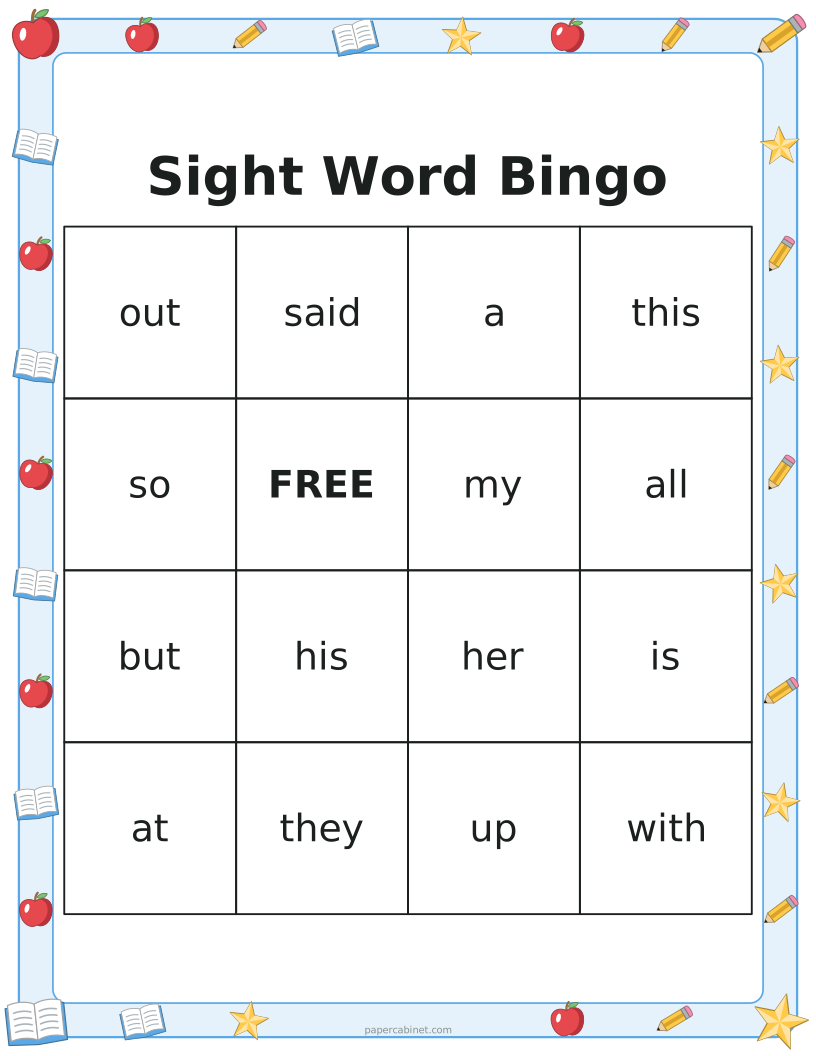
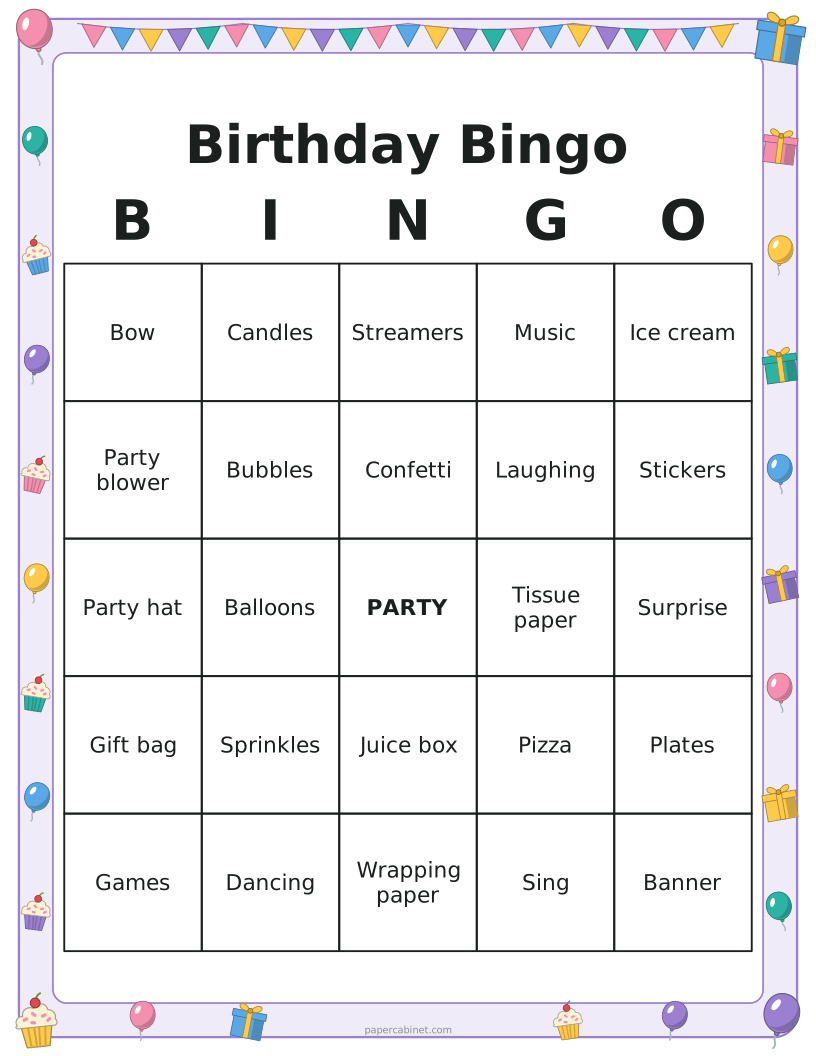
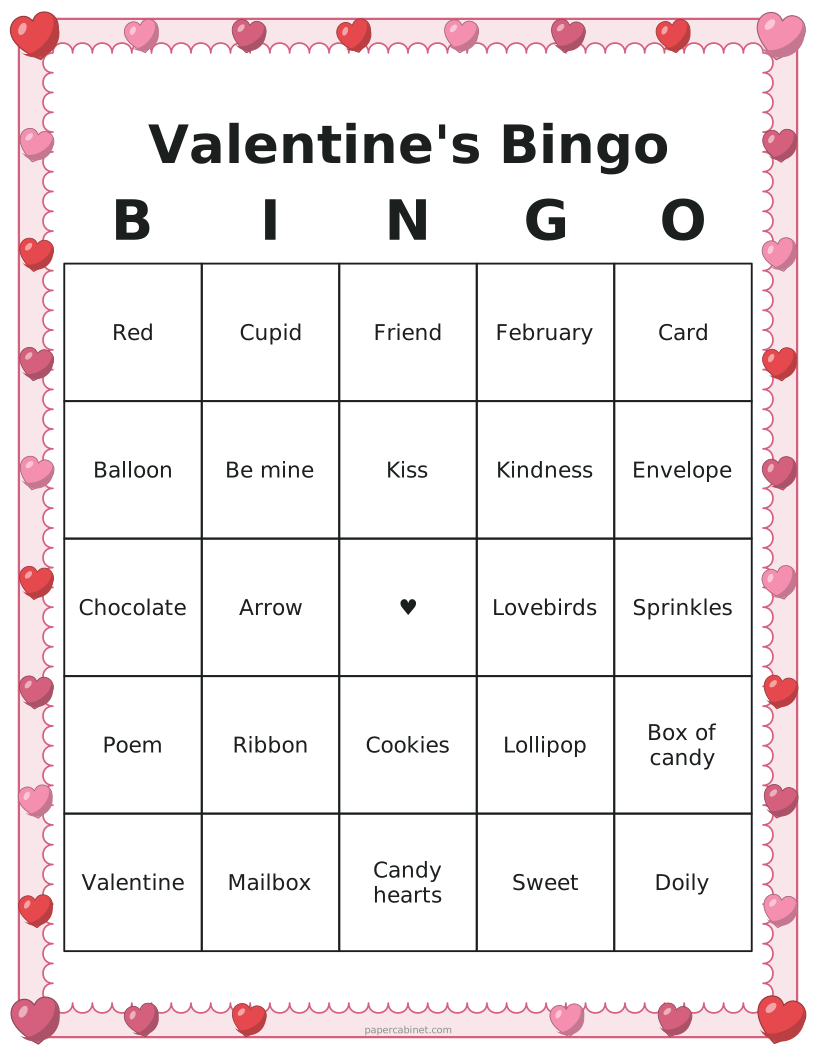
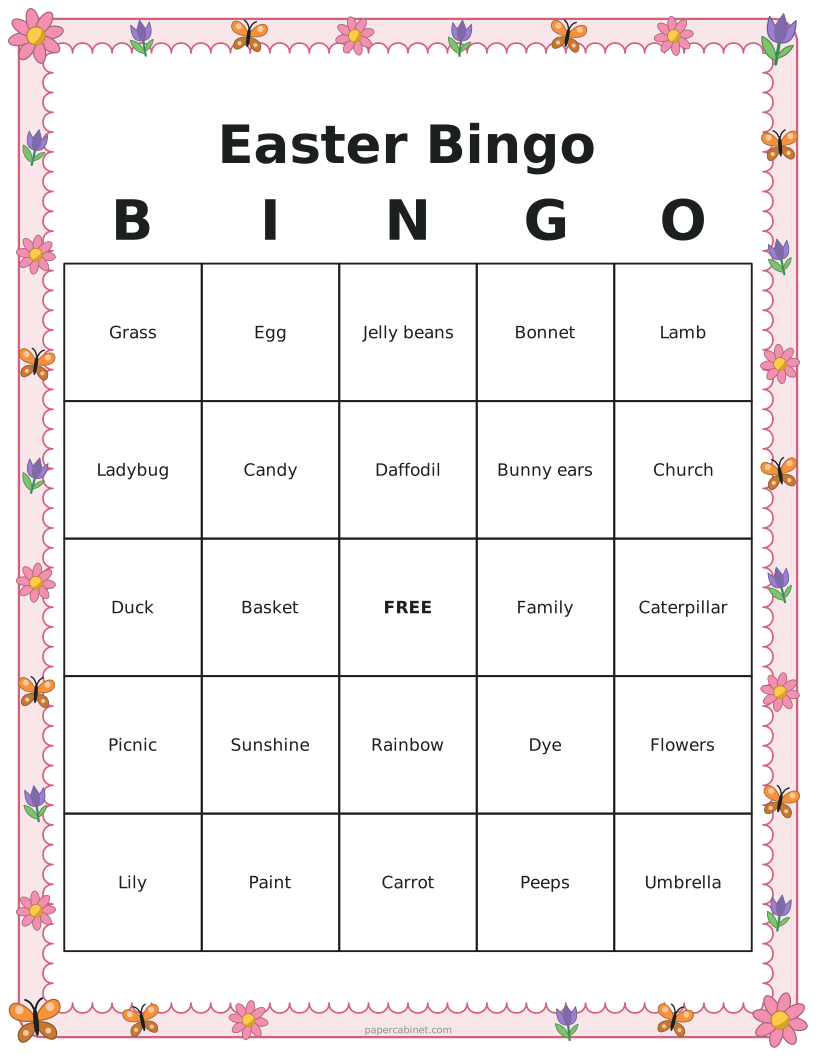
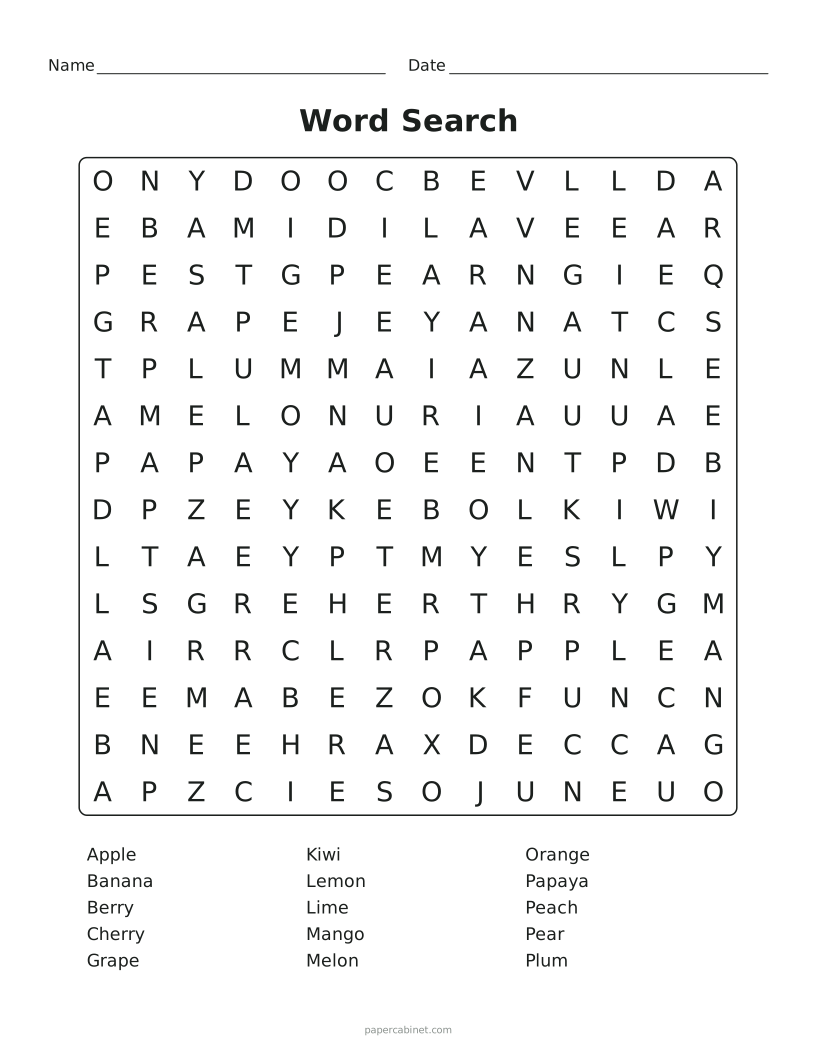

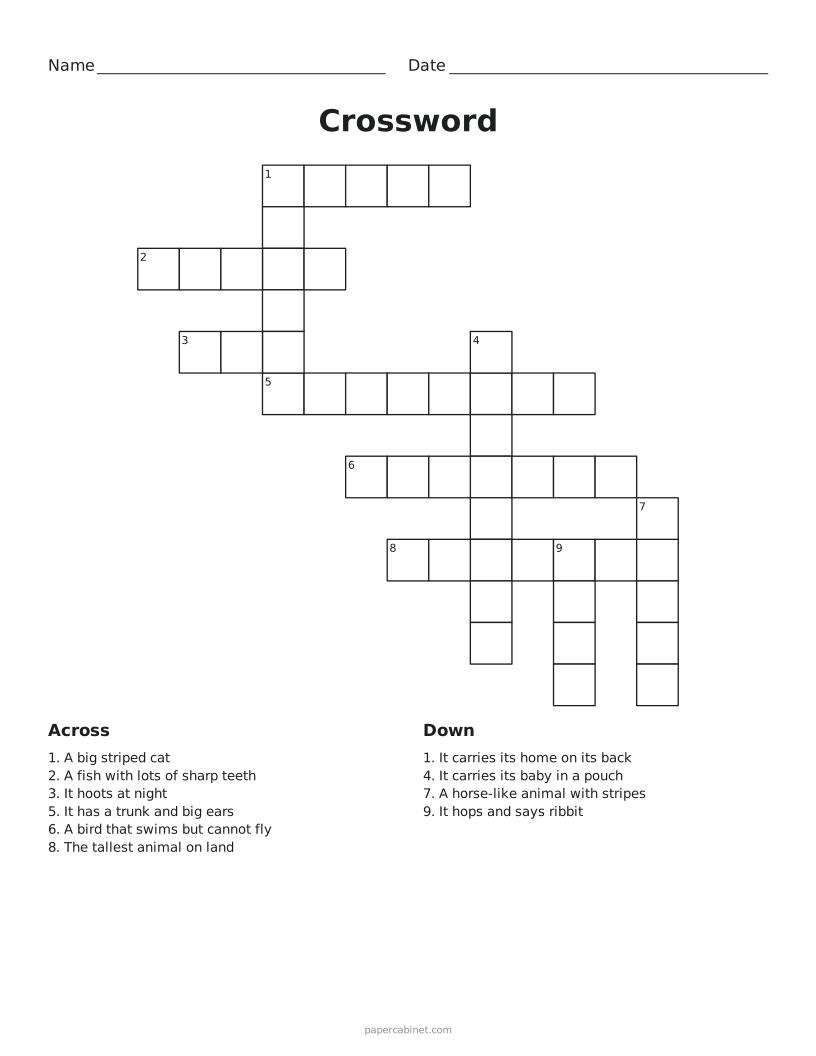
Three steps to a printed page
-
Type one word or phrase per line, or switch to numbers 1–75.
-
Choose 3×3, 4×4 or 5×5 squares and how many cards you need.
-
Press Print. Pick "Save as PDF" in the print window if you want a file instead.
Frequently Asked Questions
Is meeting bingo appropriate for work?
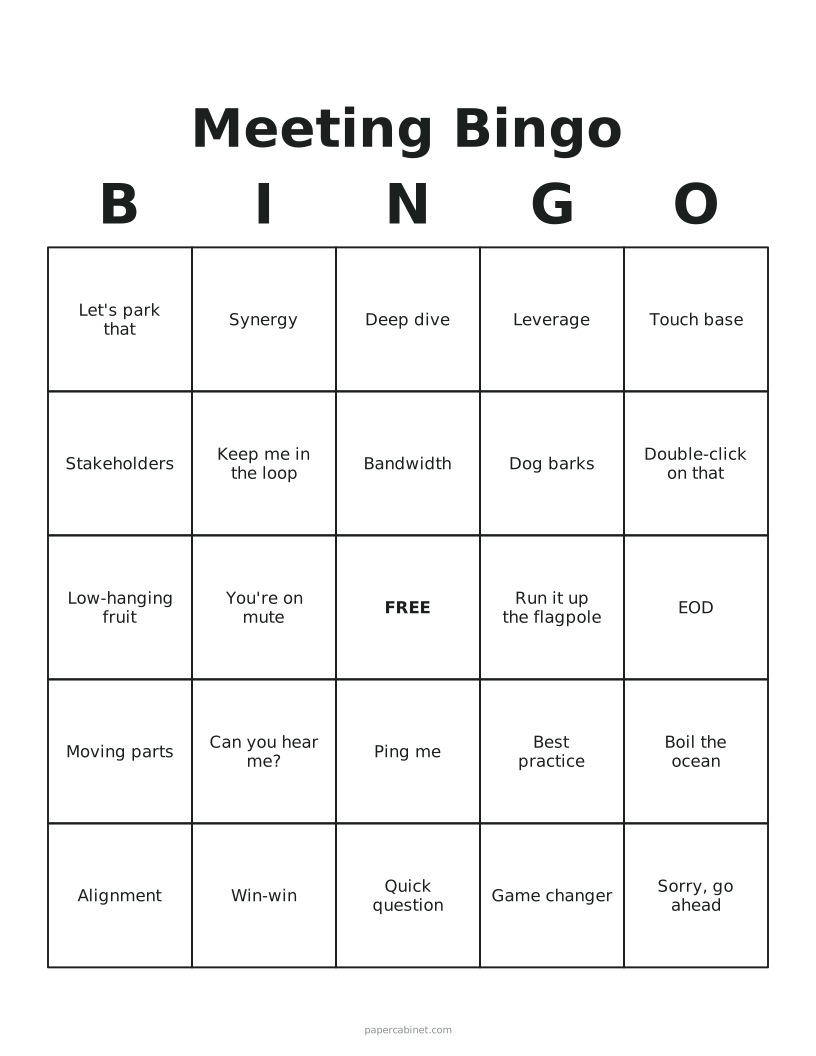
It is meant as a light-hearted icebreaker. Most teams play it in all-hands meetings or long calls with the camera off, and nobody actually shouts bingo.
Are the bingo cards really all different?
Yes. Every card in a set is checked against the others before it is drawn, so no two are the same. Press Shuffle to deal a whole new set.
How do I print bingo cards as a PDF?
Press Print, then choose "Save as PDF" (or "Microsoft Print to PDF" on Windows) as the printer. You get a PDF with one card or several per page, depending on your settings.
What numbers go in each column of 75-ball bingo?
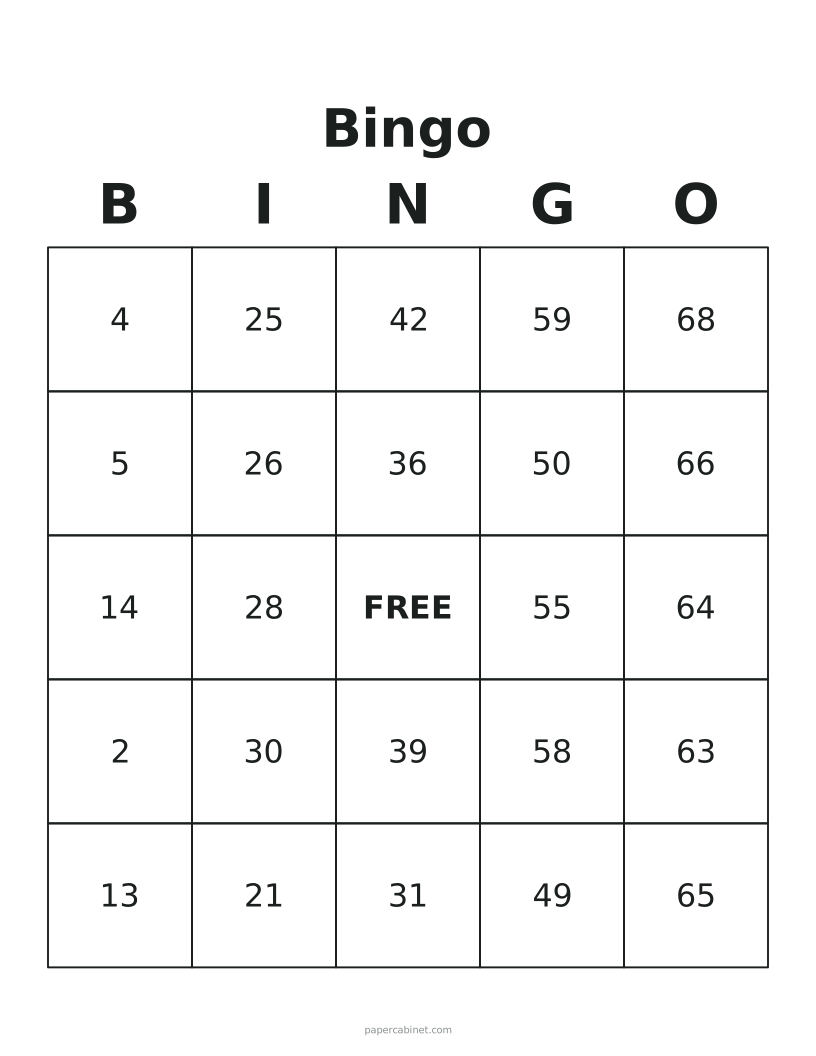
B is 1–15, I is 16–30, N is 31–45, G is 46–60 and O is 61–75. The N column has the free space.
Can I put several bingo cards on one page?
Yes. Choose 2 or 4 cards per page to save paper. Four per page works well for 3×3 and 4×4 cards; 5×5 cards with long phrases are easier to read at one or two per page.