
Three steps to a printed page
-
Choose a monthly or yearly calendar and the year.
-
For monthly calendars, pick the starting month and how many months to print.
-
Choose Sunday or Monday as the first day of the week, then press Print.
Making a wall calendar
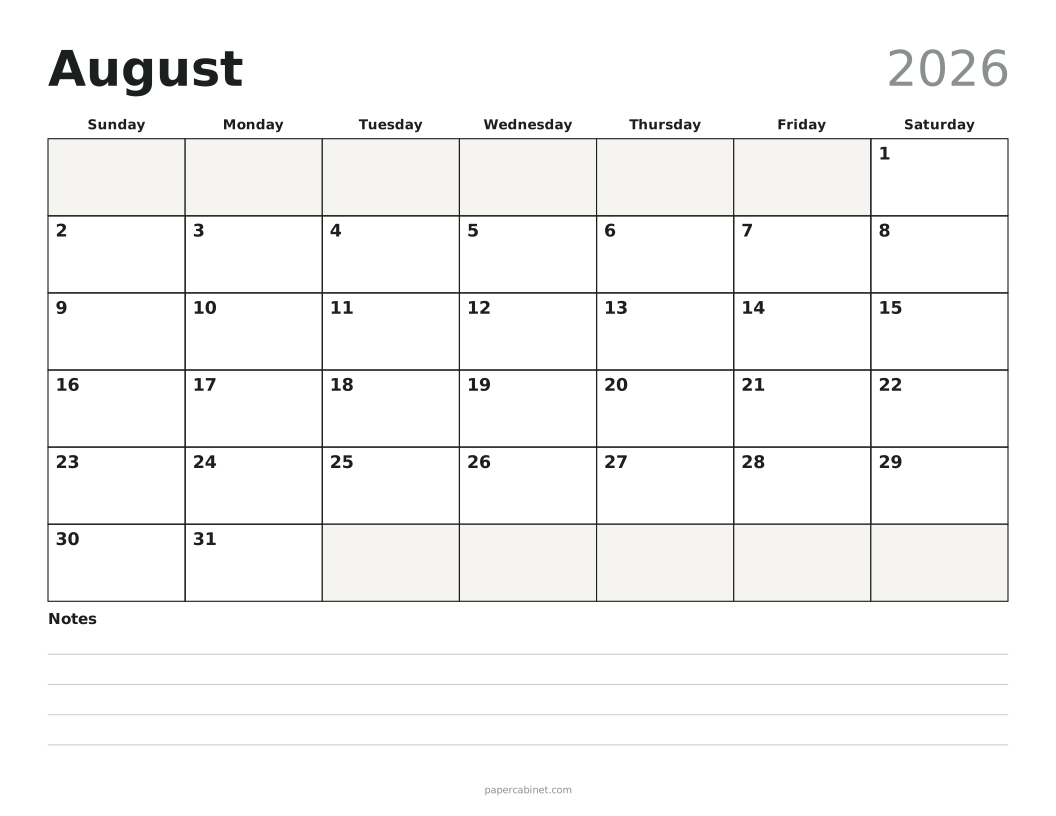
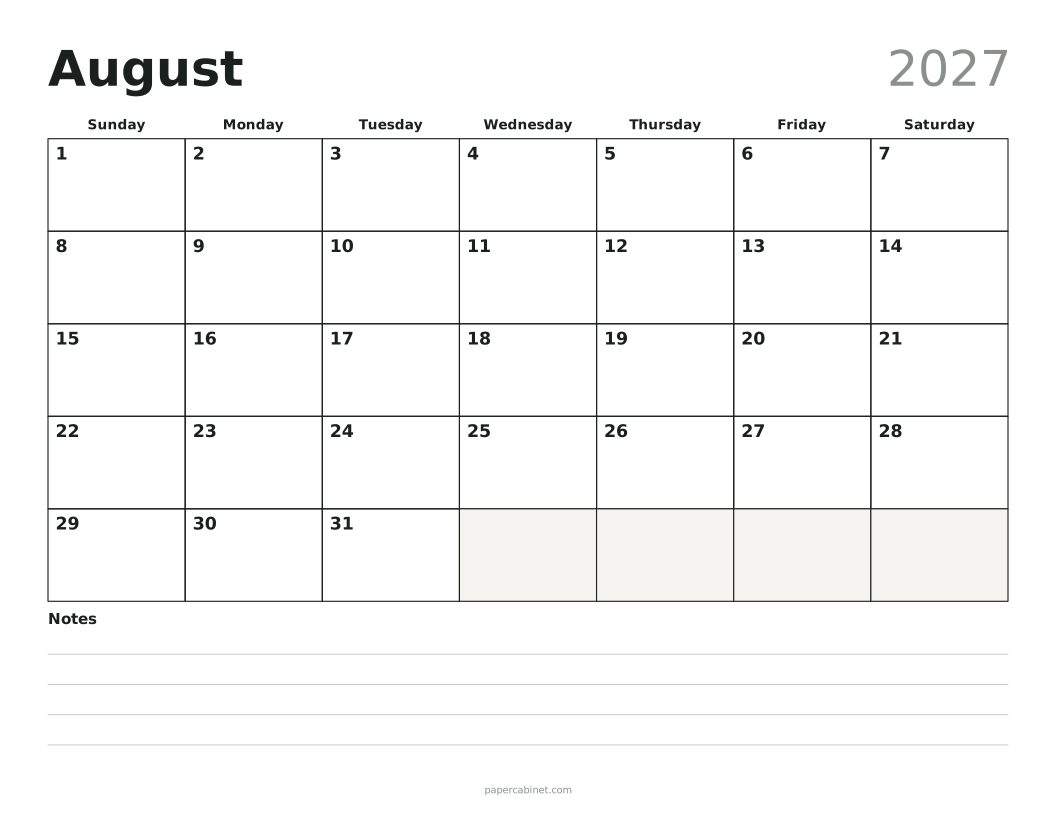
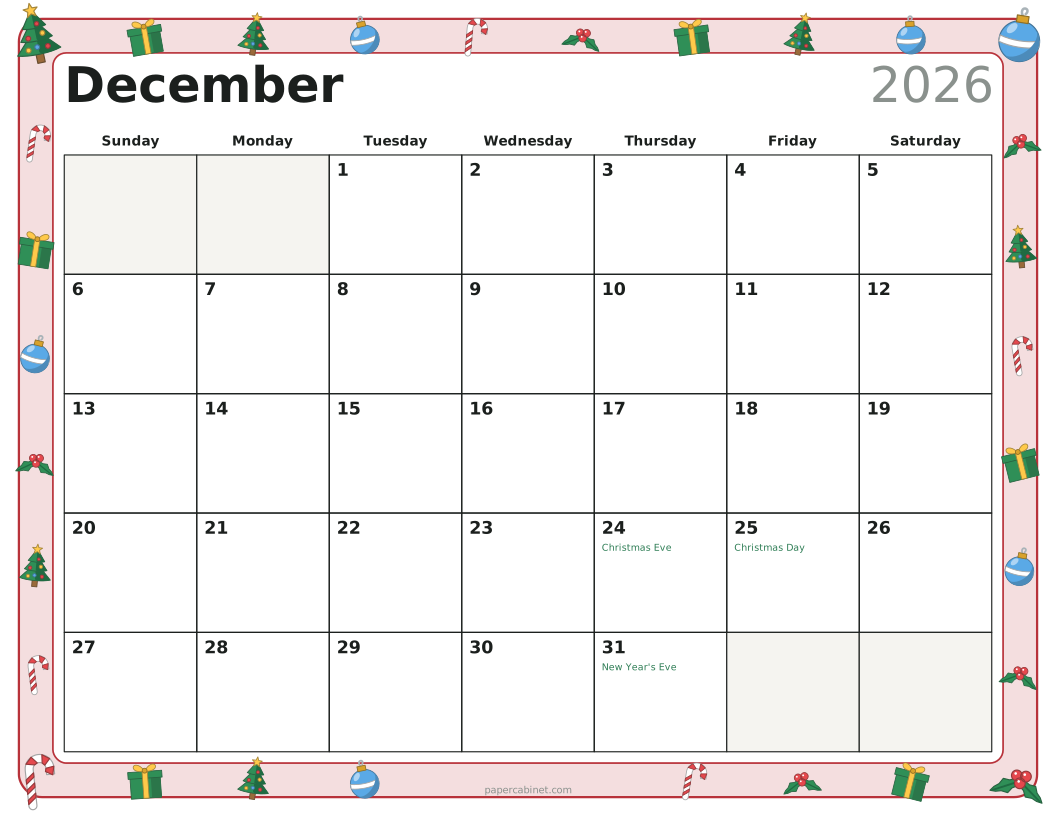
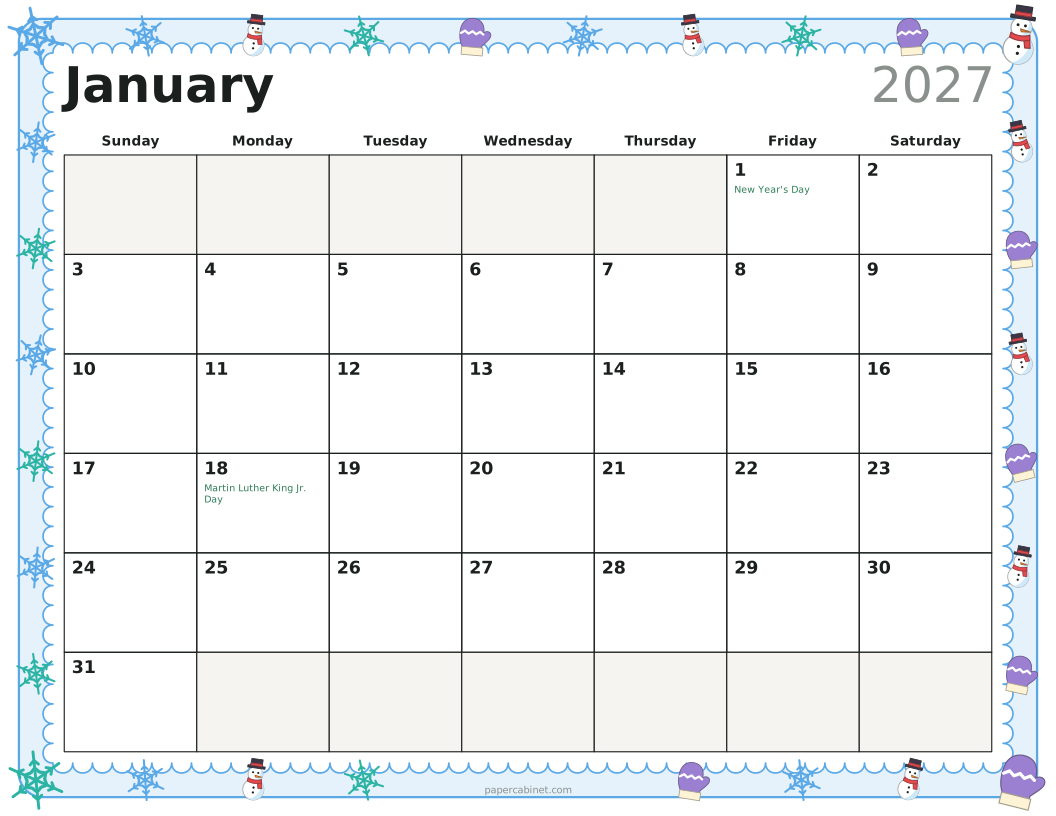
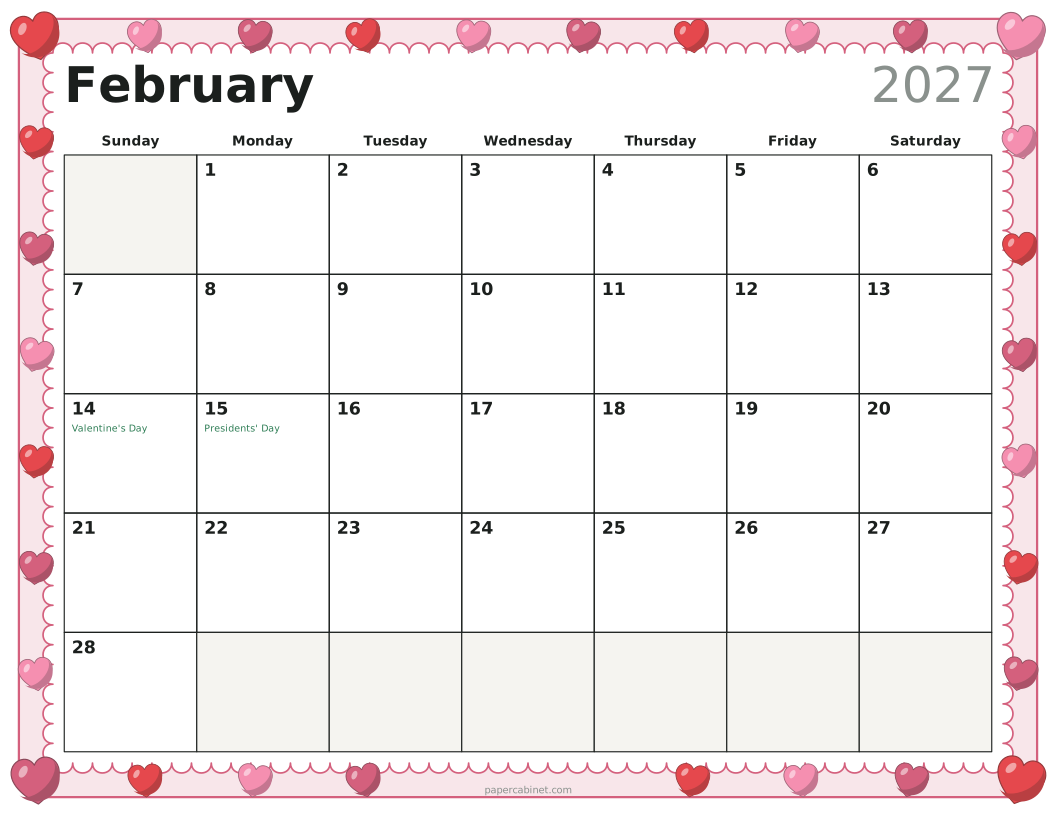
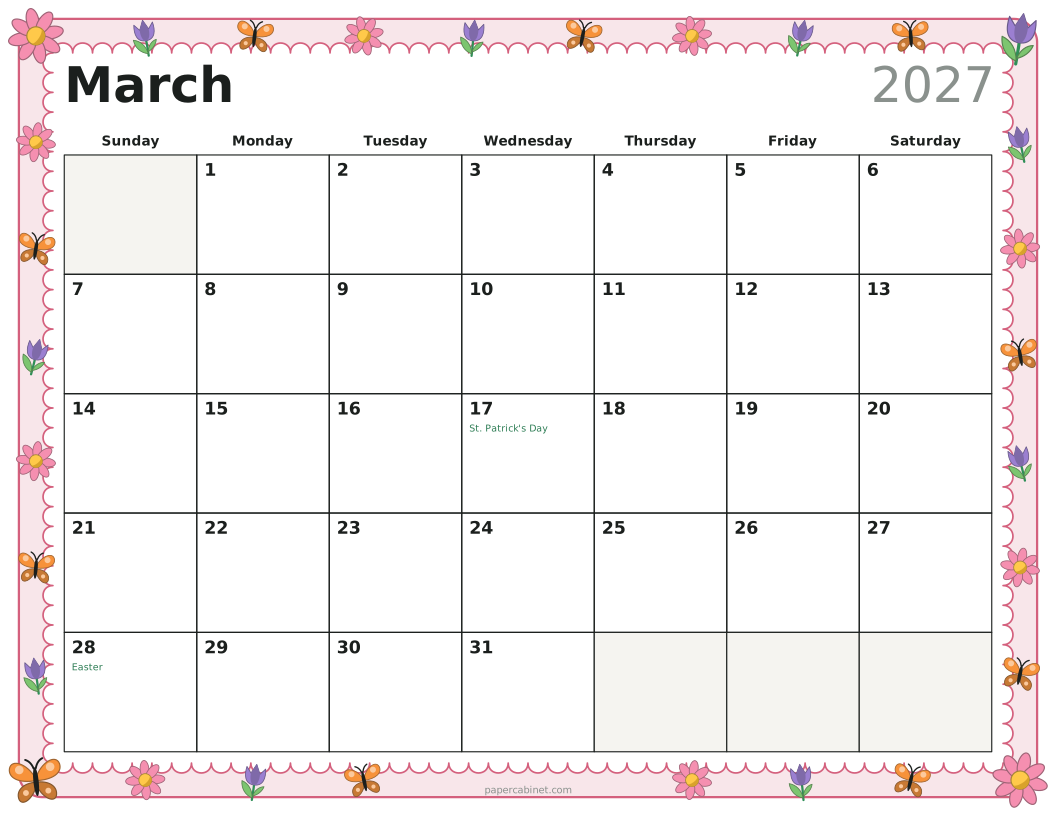
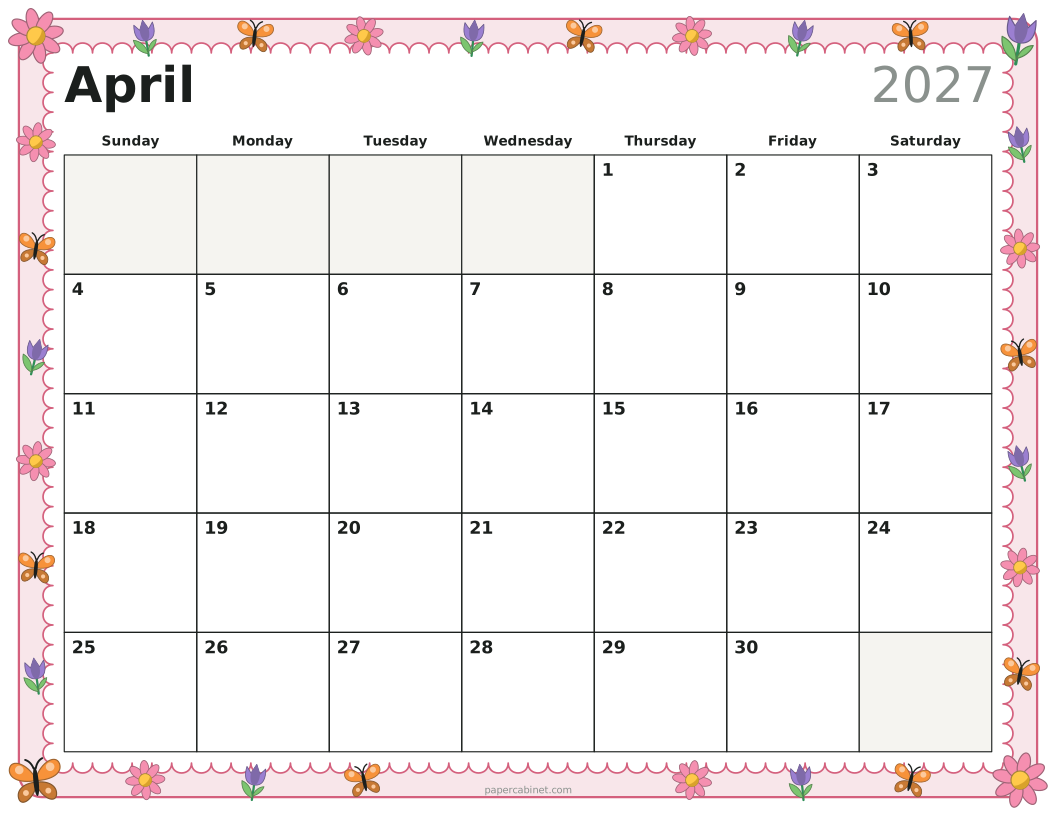
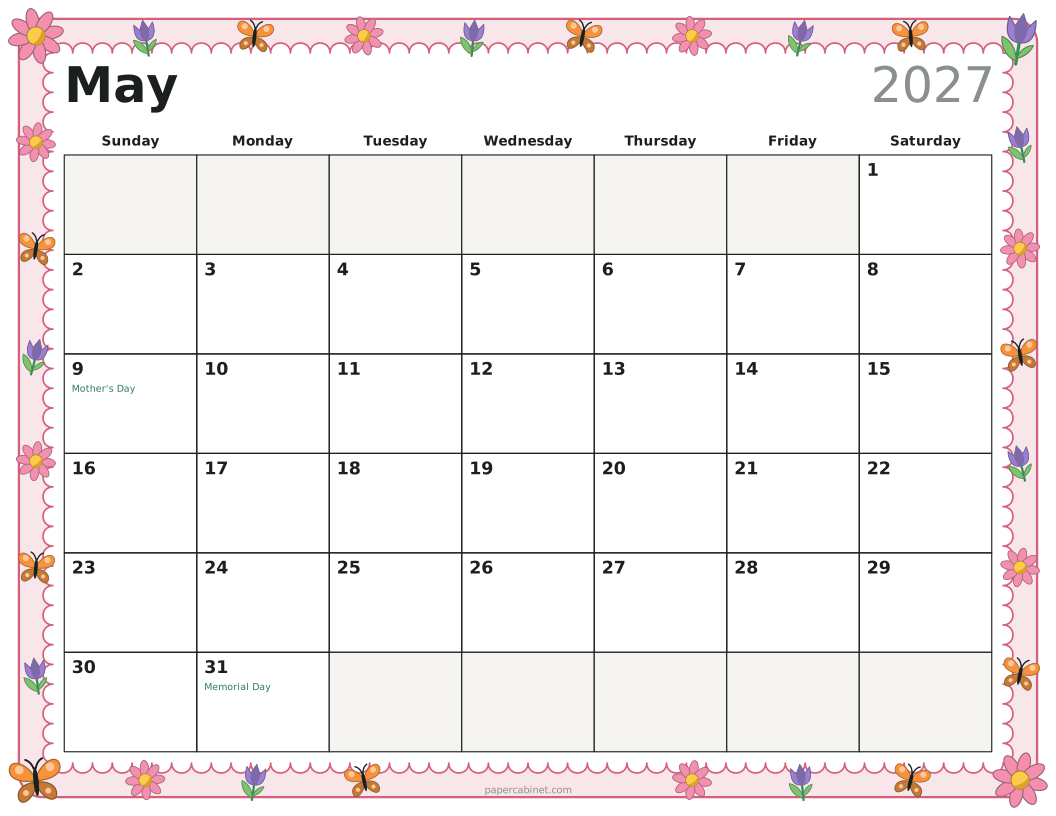
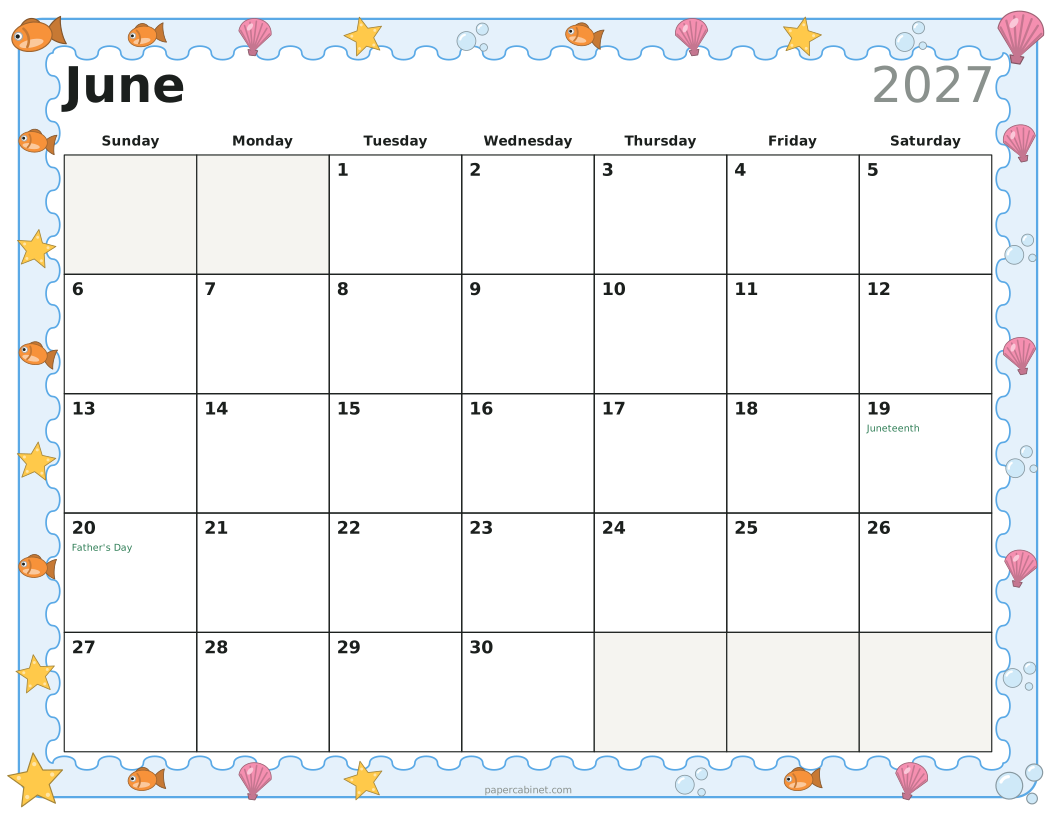
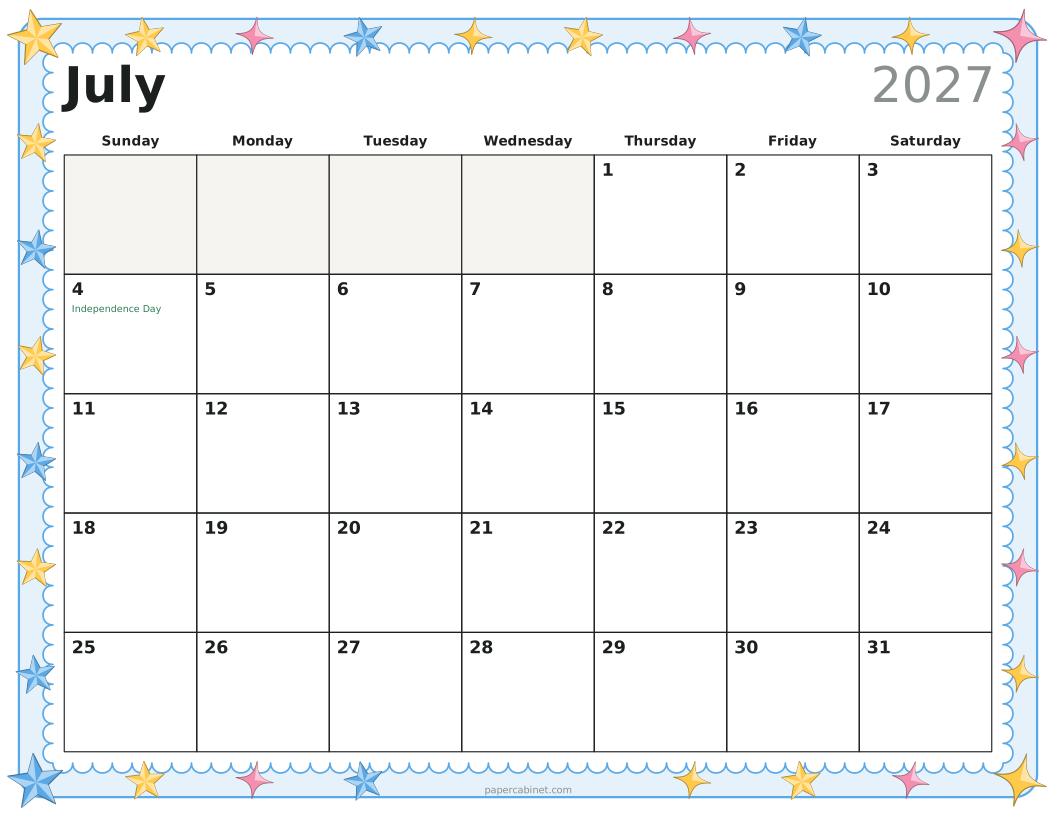
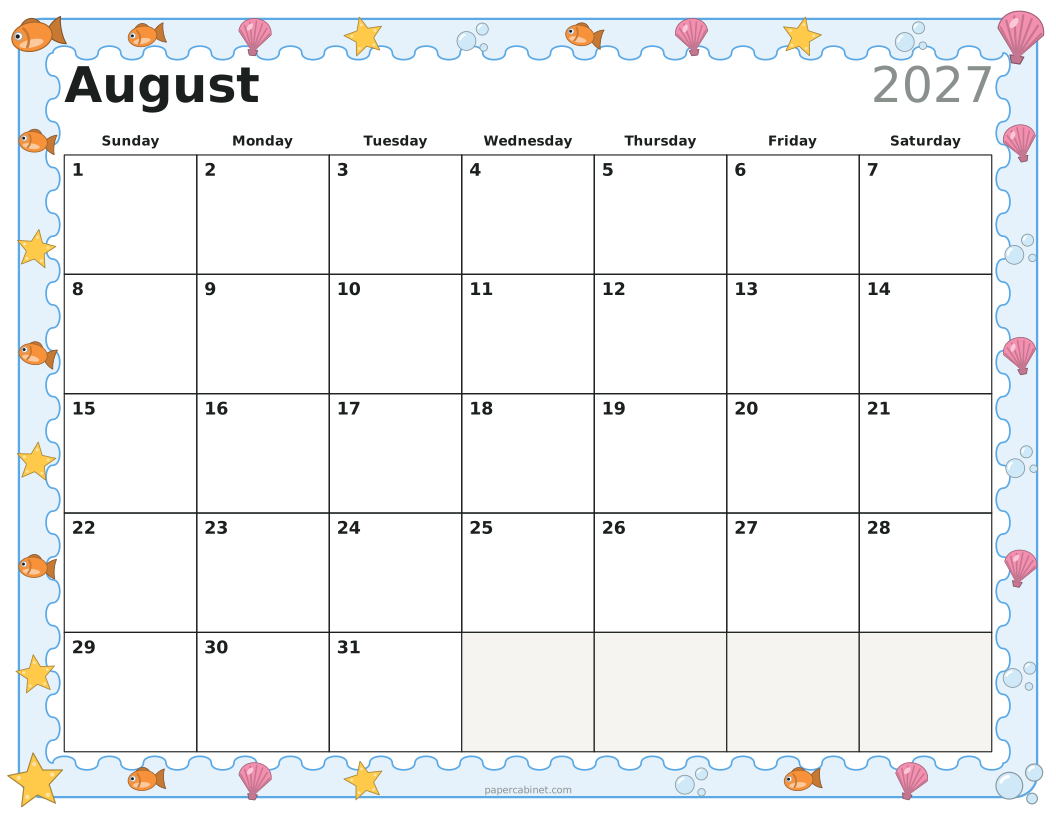
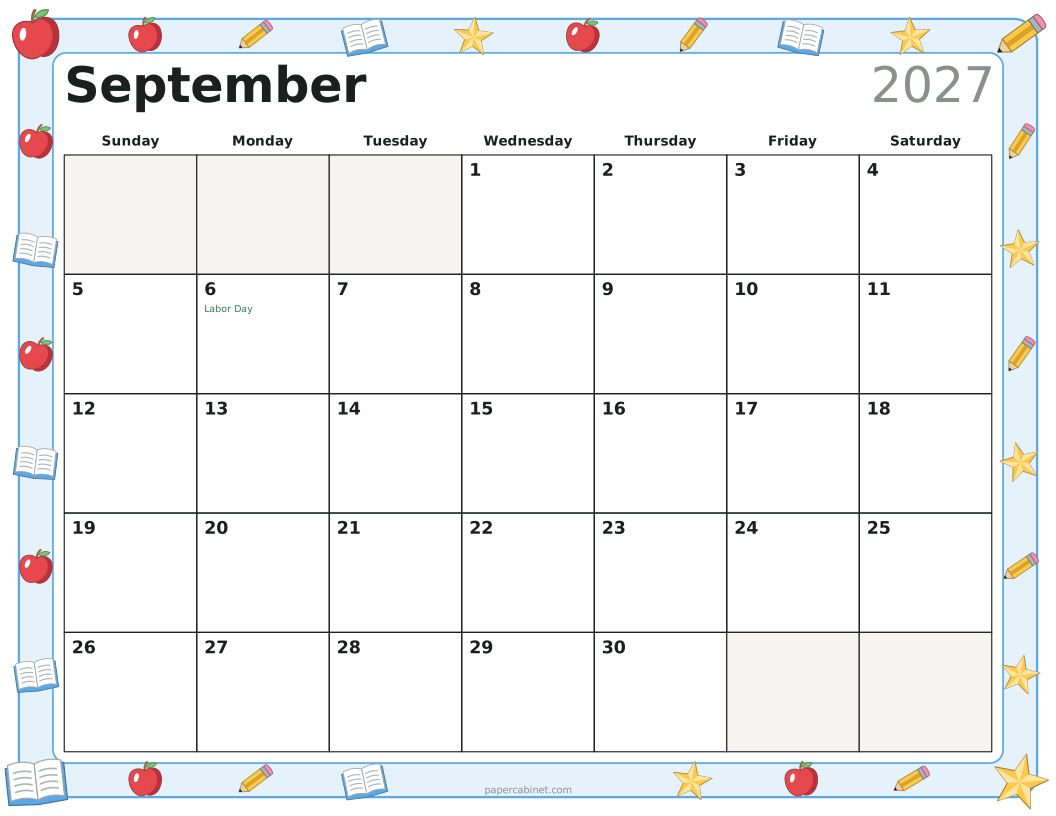
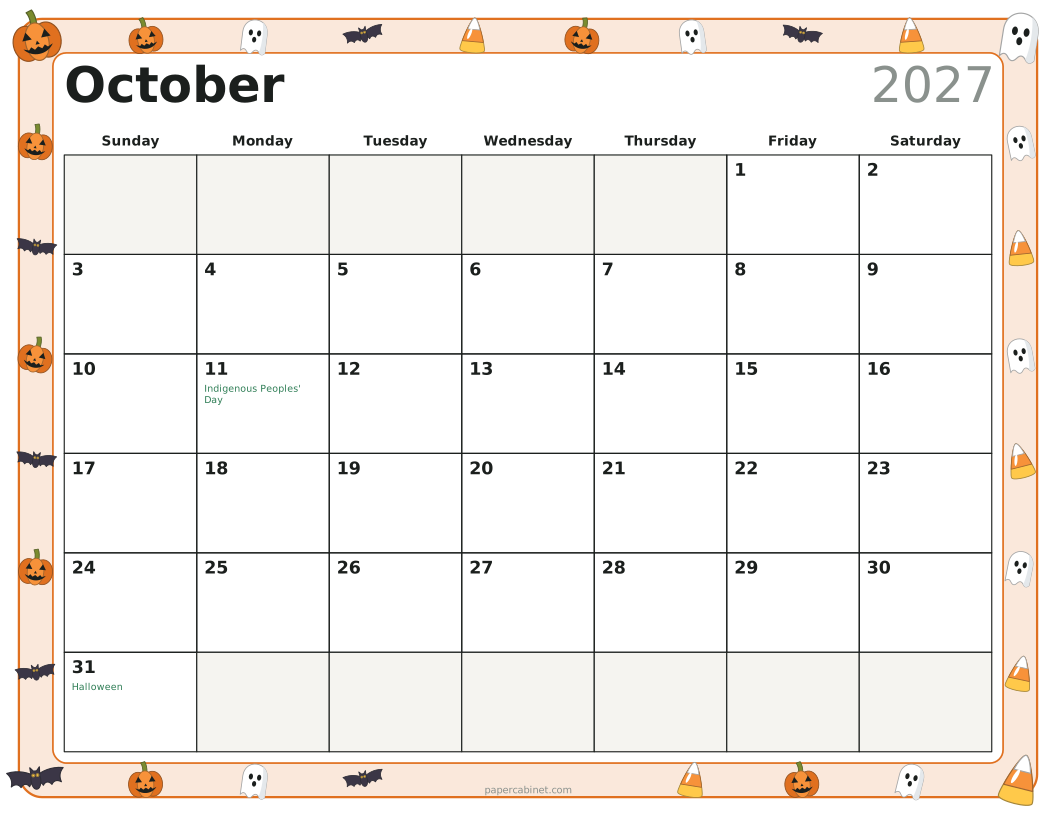
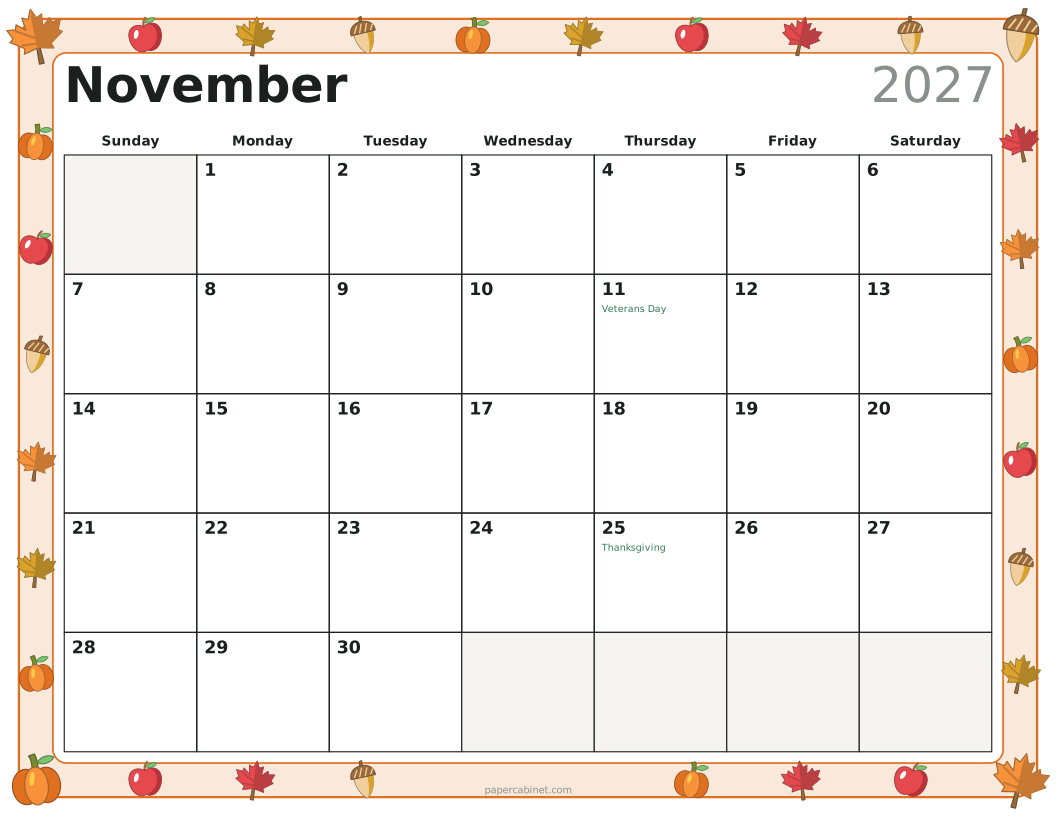
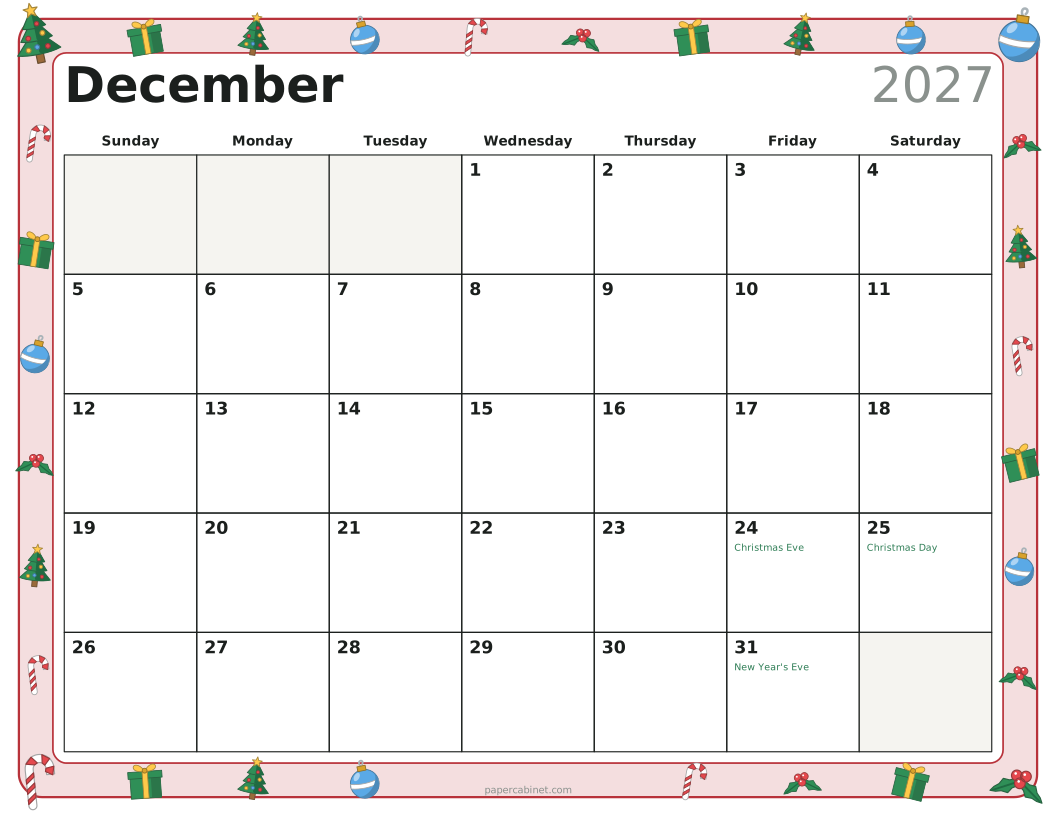
Set "How many months" to 12 and print on cardstock. Punch two holes along the top edge and tie the pages together with ribbon or binder rings. Landscape pages give each day a good-sized square for appointments.
About the holidays
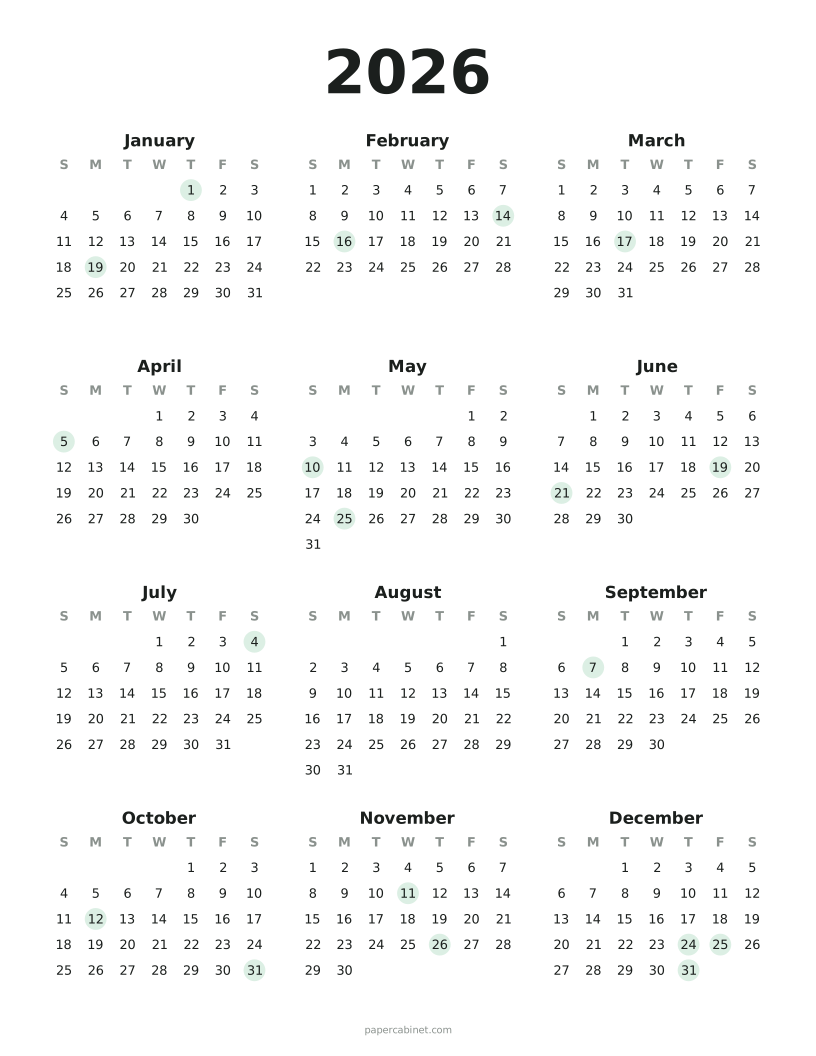
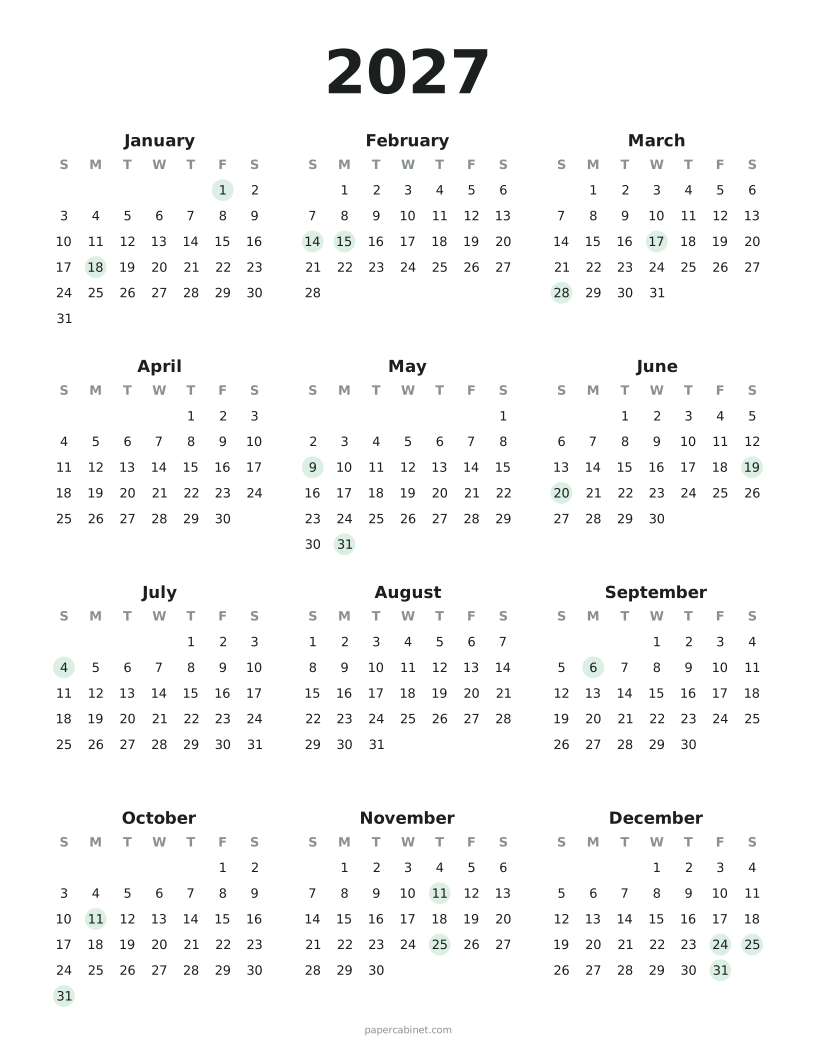
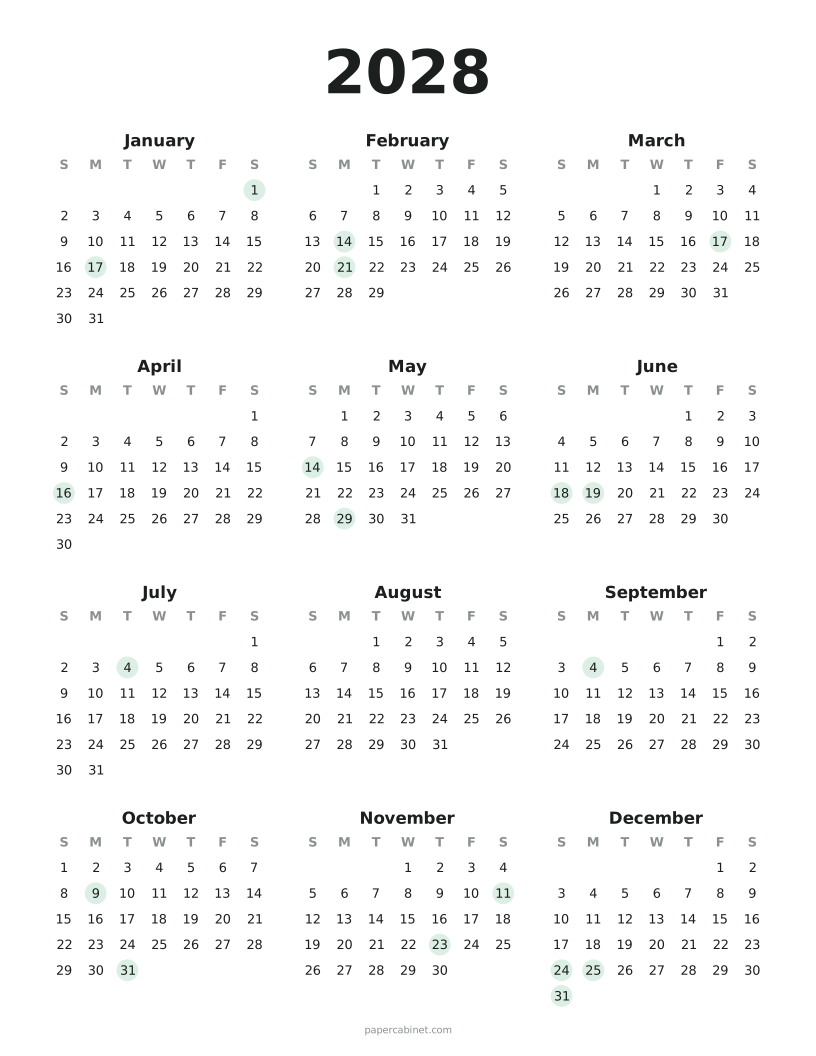
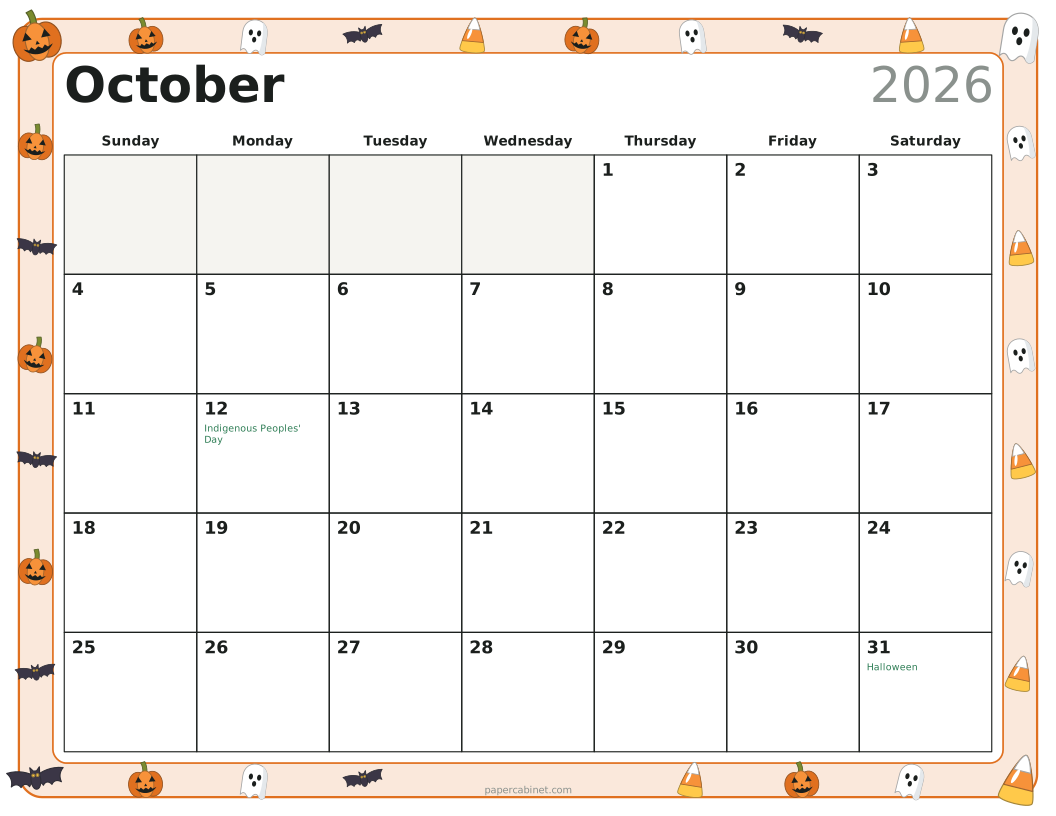
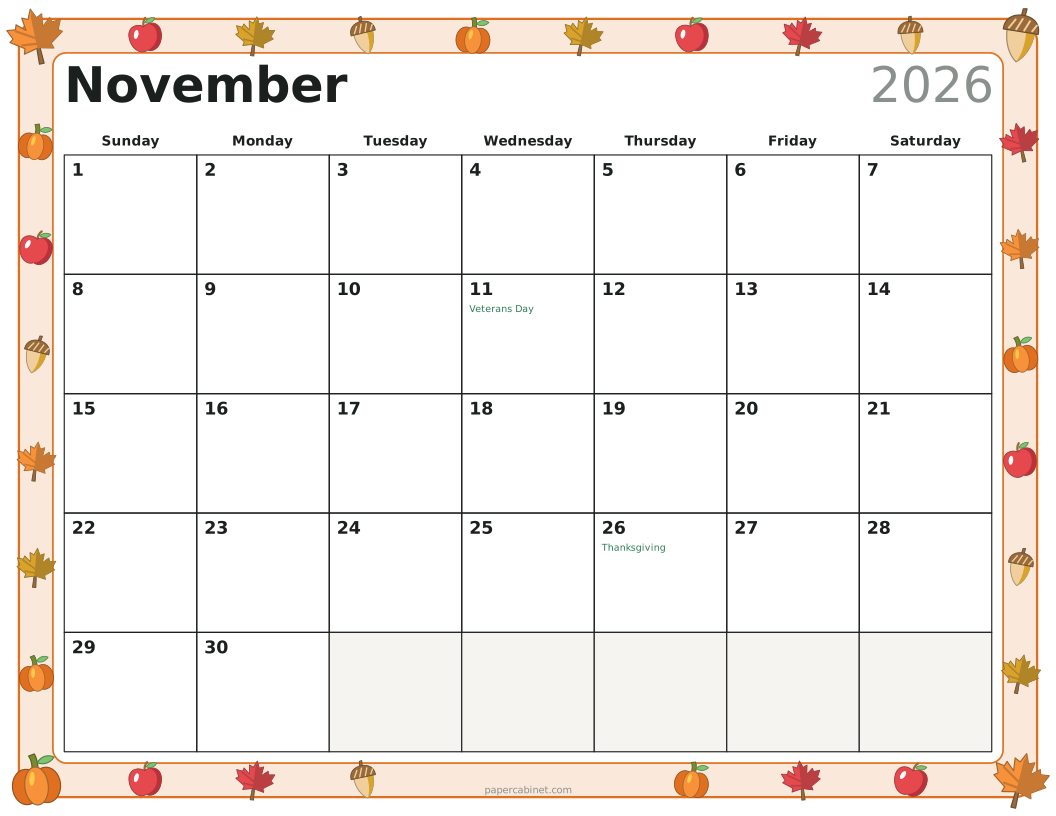
Holidays shown are the US federal holidays plus well-known days like Valentine's Day, Mother's Day and Halloween. Dates that move each year, like Thanksgiving and Easter, are worked out for the year you choose. When a federal holiday falls on a weekend, the day off is often the Friday before or Monday after; check with your employer or school.
Frequently Asked Questions
Can I print a calendar that starts on Monday?
Yes. Choose Monday under "Weeks start on" and every page rearranges.
Can I print several months at once?
Yes. Set "How many months" up to 12. Each month prints on its own page, rolling into the next year if needed.
Which holidays are included?
New Year's Day, MLK Day, Valentine's Day, Presidents' Day, St. Patrick's Day, Easter, Mother's Day, Memorial Day, Father's Day, Juneteenth, Independence Day, Labor Day, Indigenous Peoples' Day, Halloween, Veterans Day, Thanksgiving, Christmas Eve, Christmas and New Year's Eve.
Can I make a calendar for any year?
Yes, any year from 1900 to 2200. Holidays are calculated for whichever year you pick.