
Three steps to a printed page
-
Pick Week, Day, List or Meals.
-
Change the title if you like. On a list, you can type items to print on the first lines.
-
Press Print. Print several copies at once to fill a binder.
Which page to use
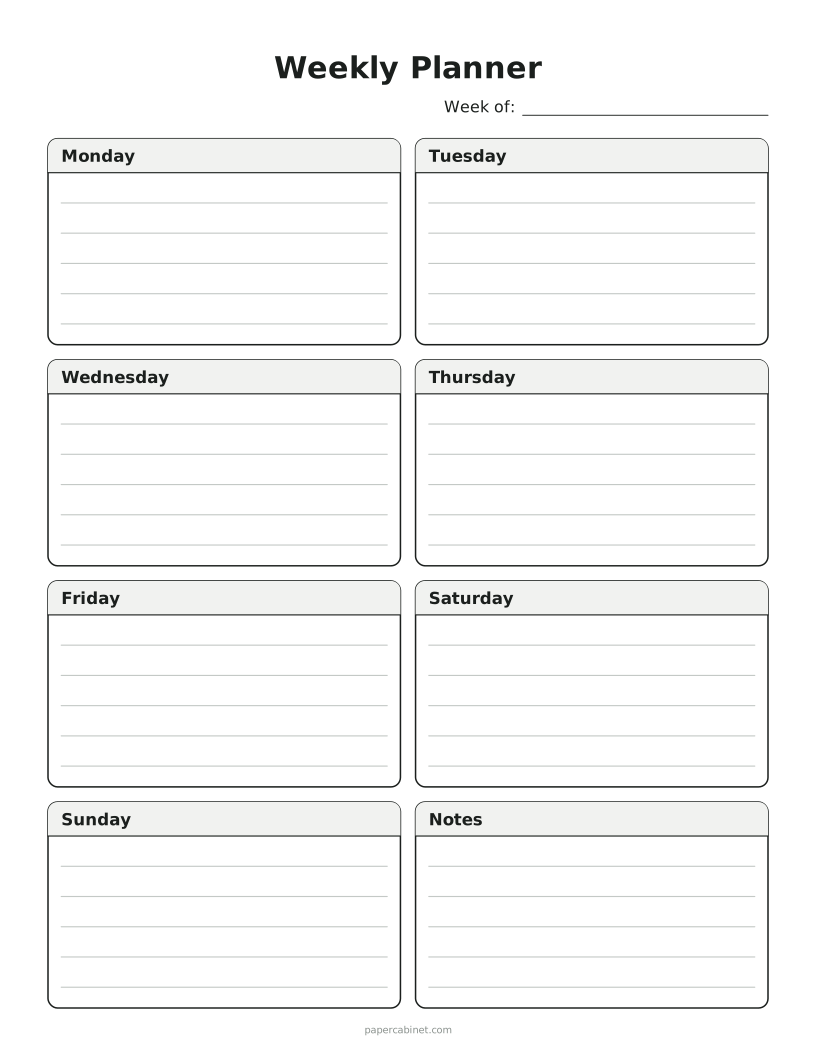
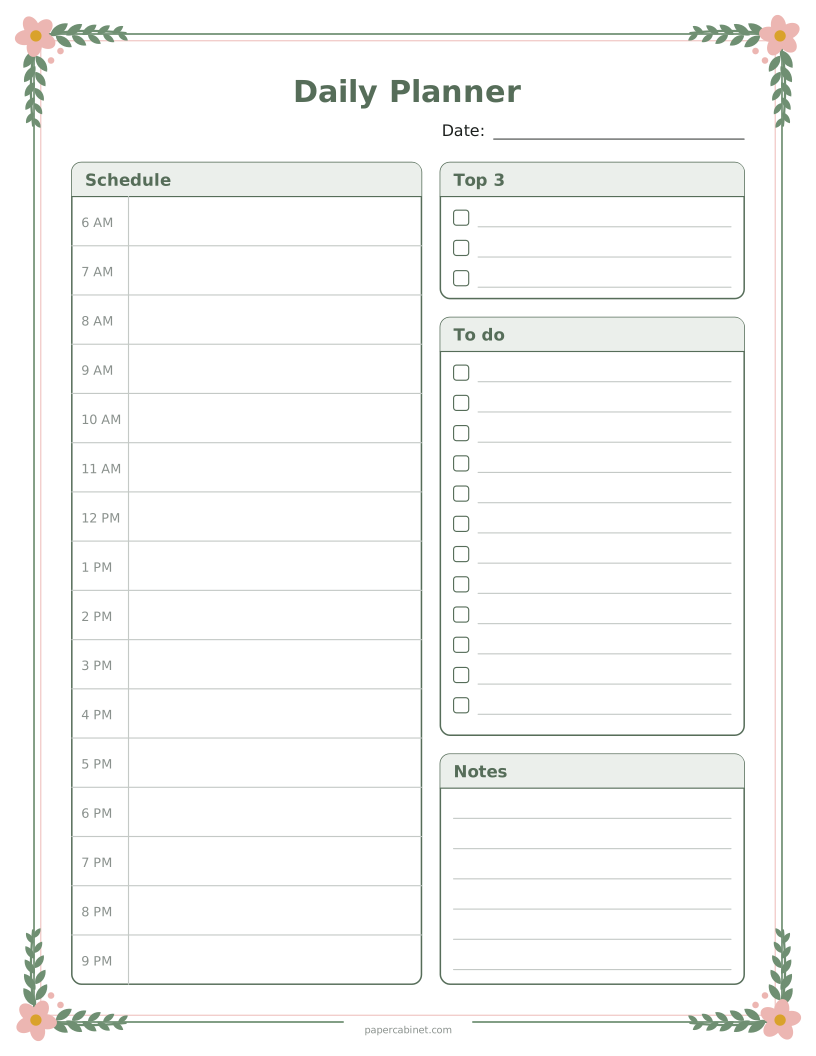
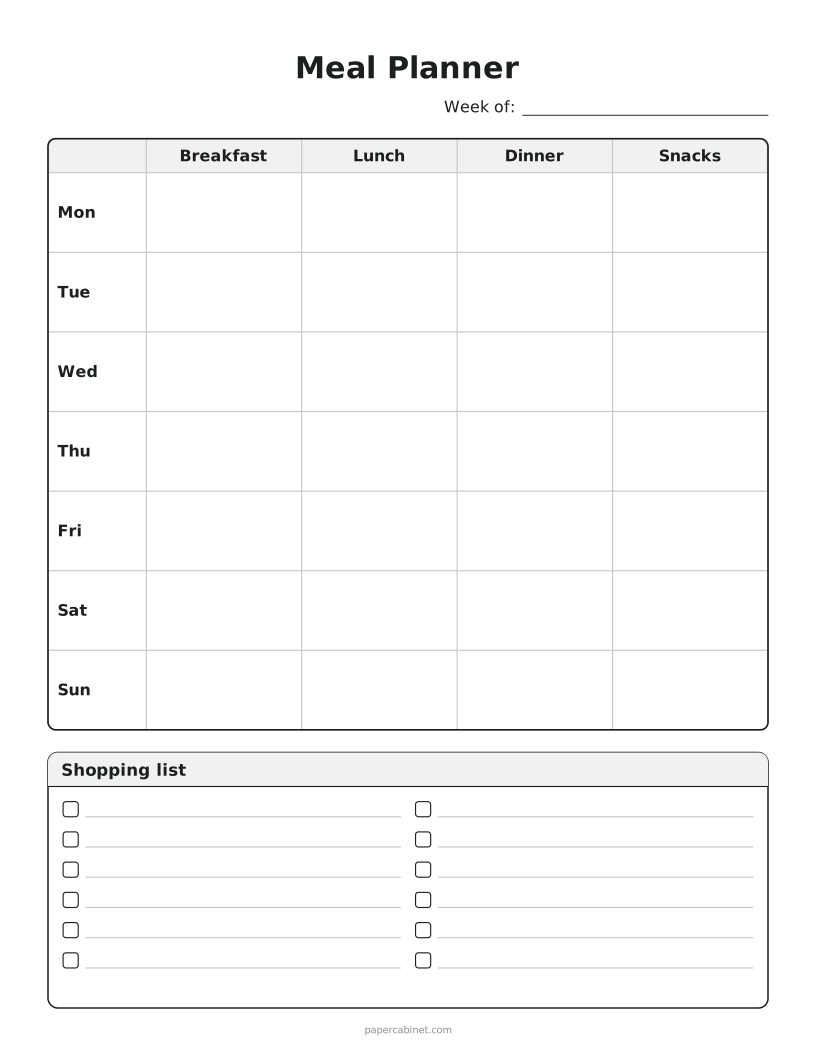
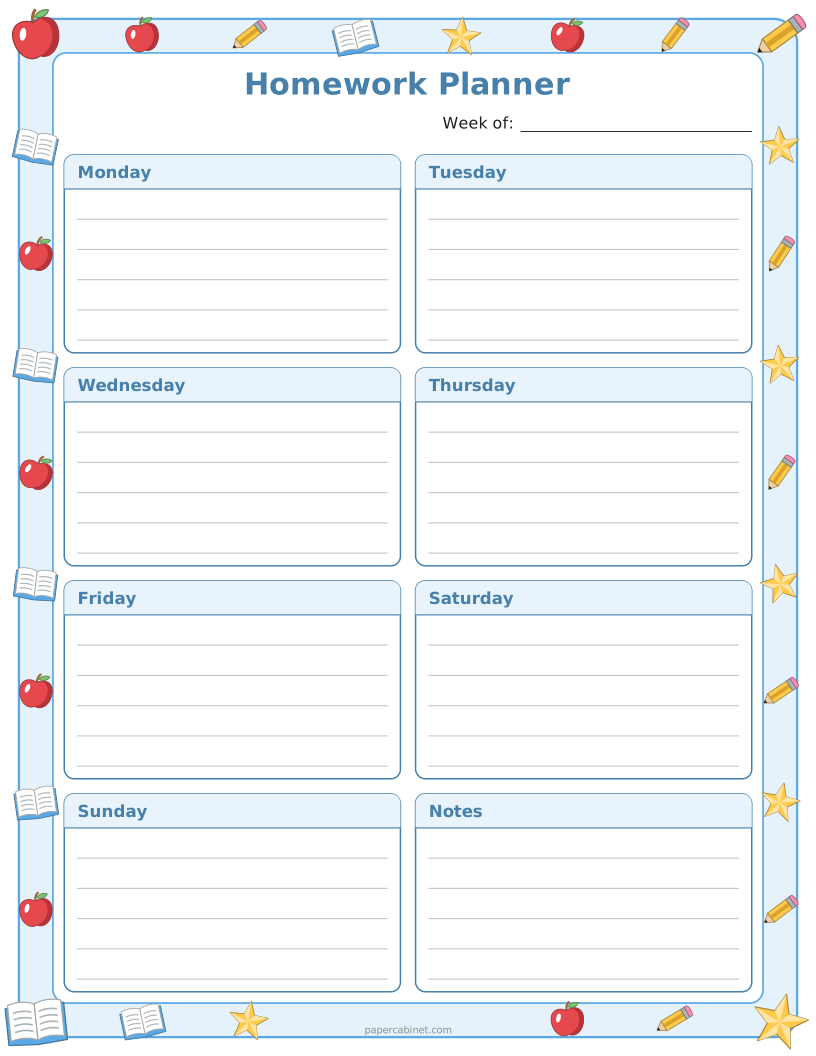
The weekly planner suits people who plan on Sunday night: seven boxes with lines, plus one for notes. The daily planner is for busy days, with an hourly schedule from 6 AM to 9 PM next to a short to-do list.
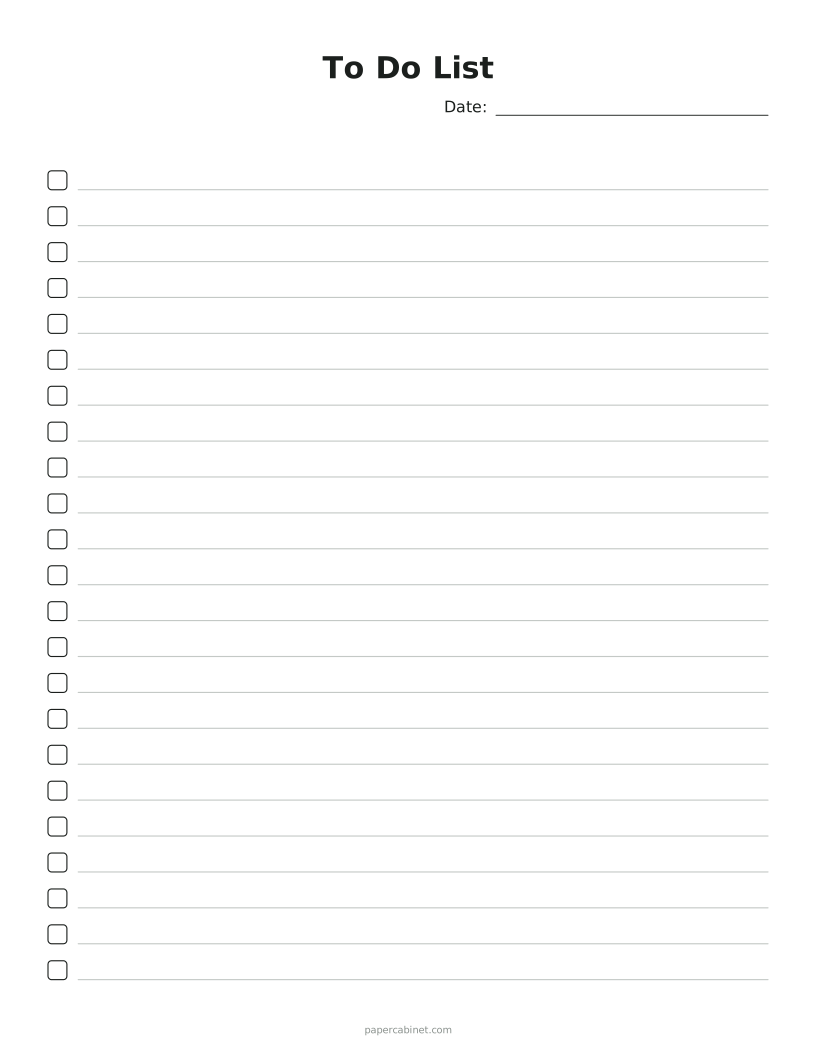
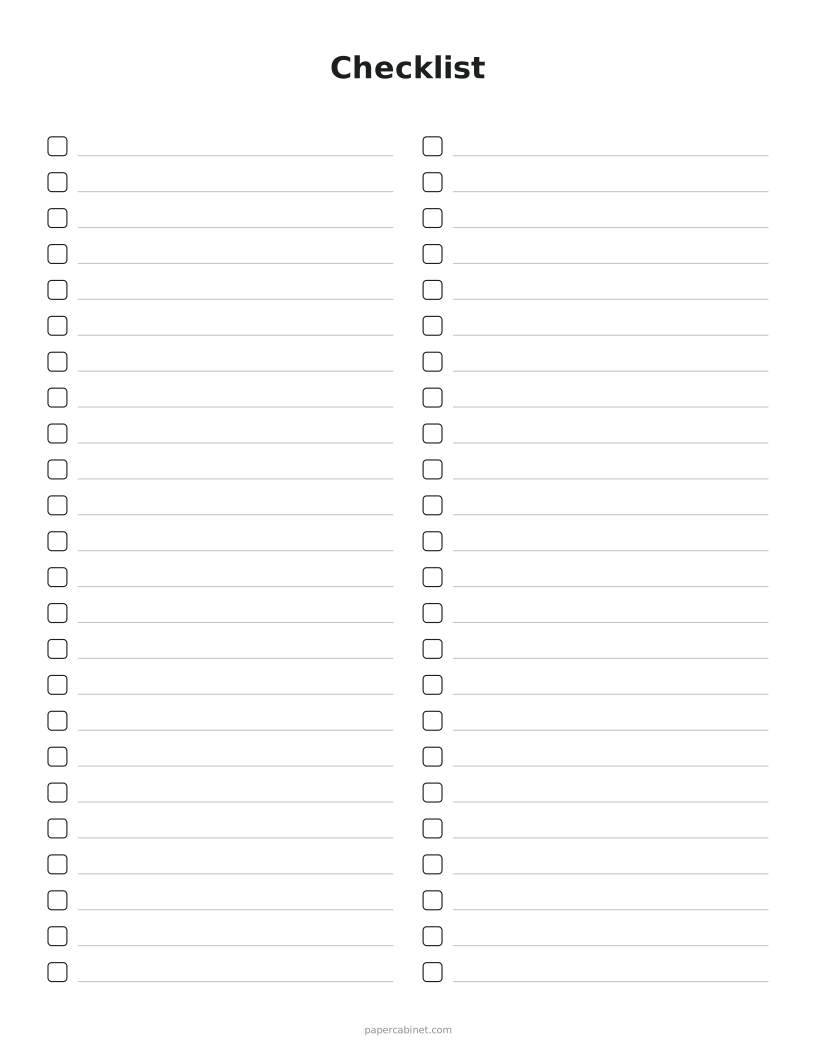
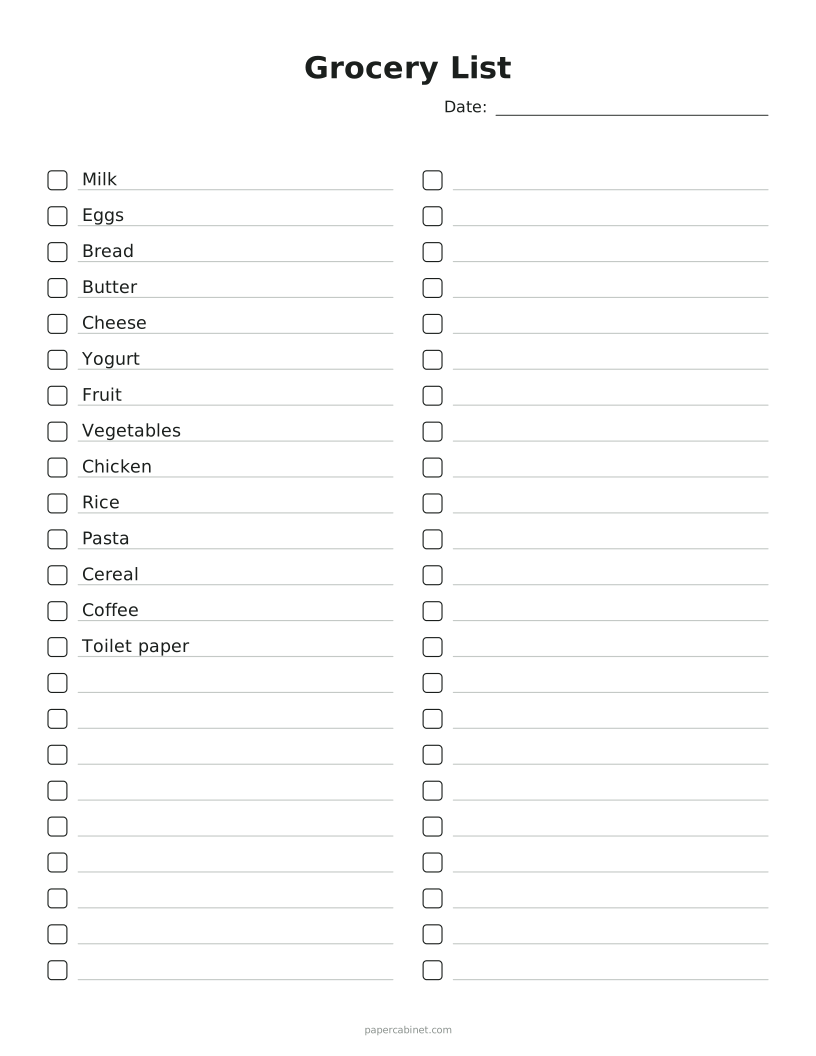
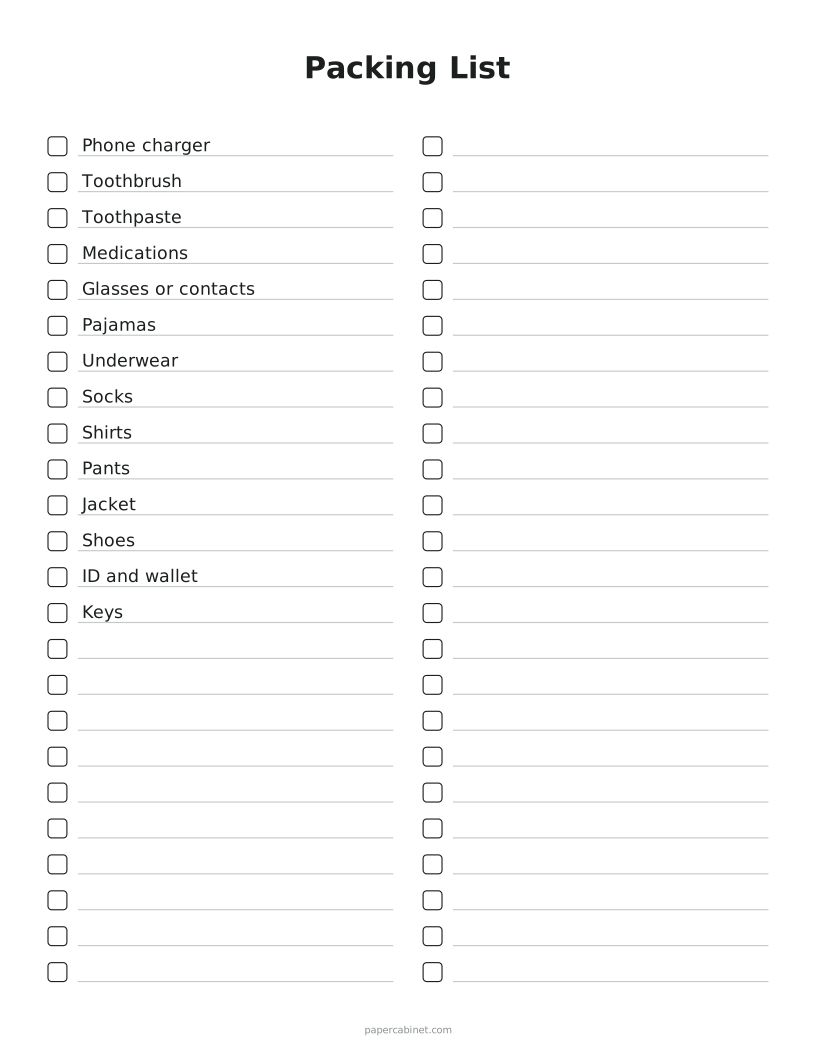
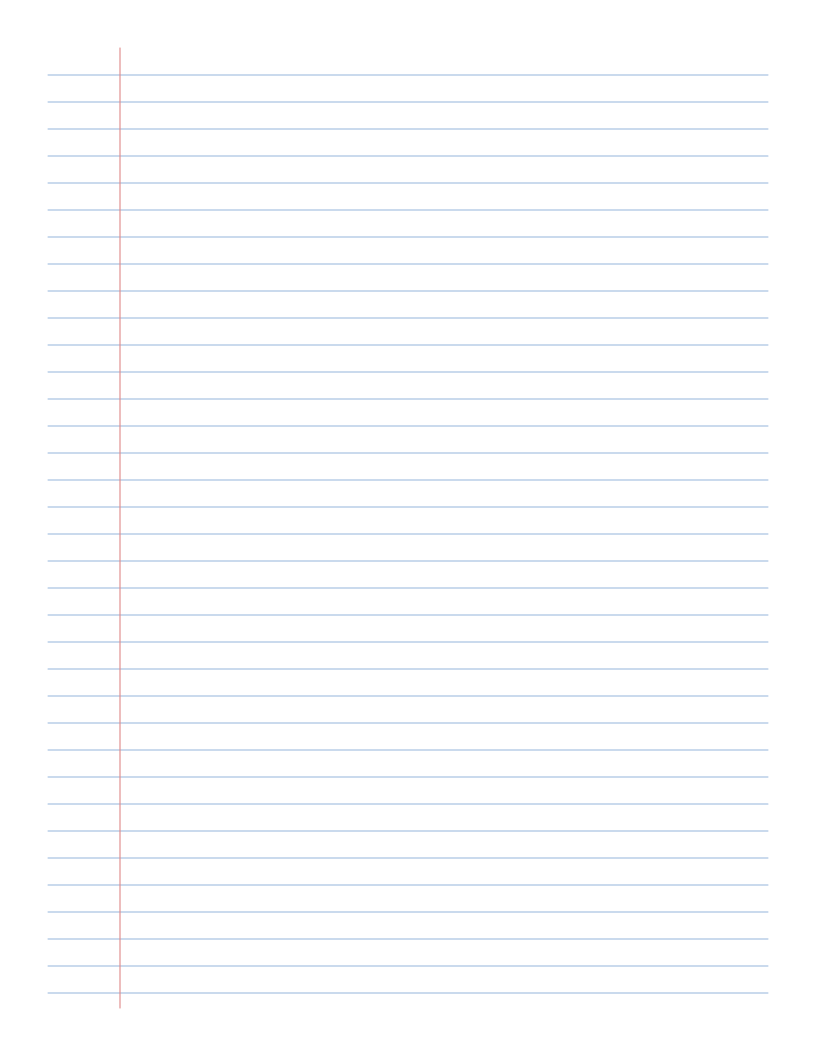
The list page is the most flexible. It works as a to-do list, a grocery list, a packing list, or a checklist for anything you do over and over. Type items once and they print on the first lines every time.
Making a planner binder
Print a month of weekly pages, punch them with a three-hole punch, and put them in a half-inch binder with a few blank lists at the back. It costs less than a bought planner, and you can print more when you run out.
Frequently Asked Questions
Can the weekly planner start on Sunday?
Yes. Open More options and set "Weeks start on" to Sunday.
Can I print a to-do list with my own items already on it?
Yes. Choose List and type your items, one per line. They print on the first lines, and the rest are left blank to fill in.
Will it print on A4 paper?
Yes. Open More options and choose A4. The boxes and lines resize to fit the page.