

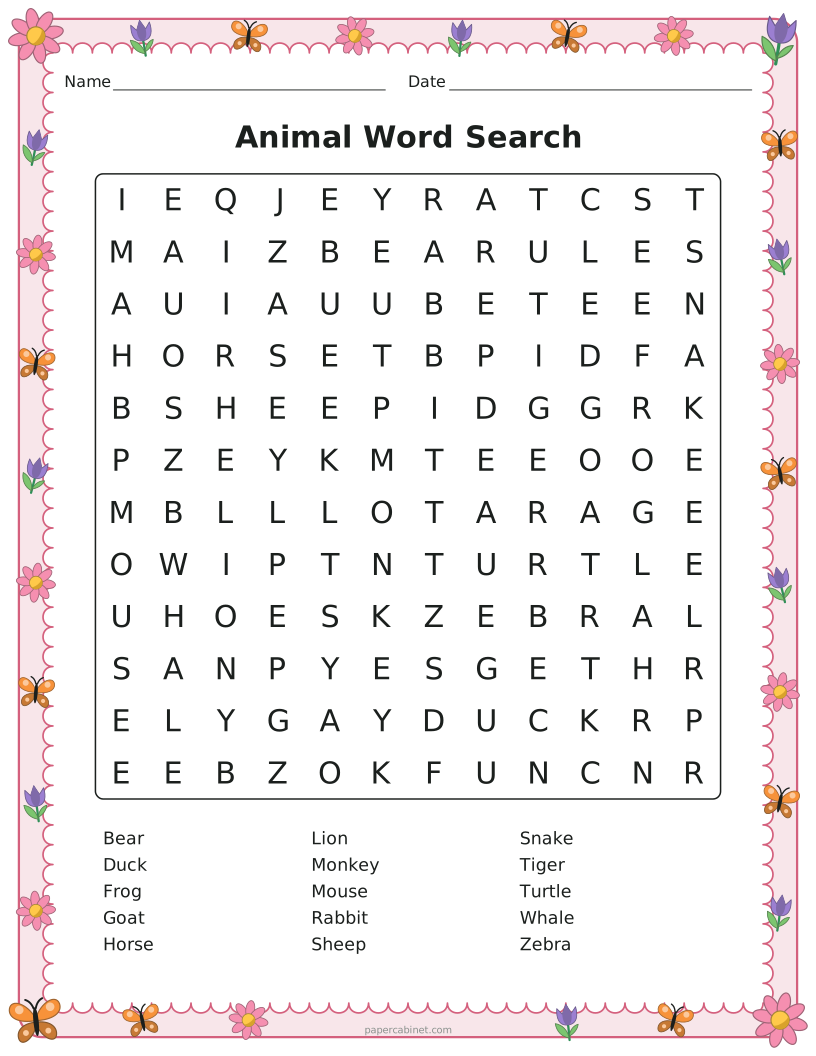
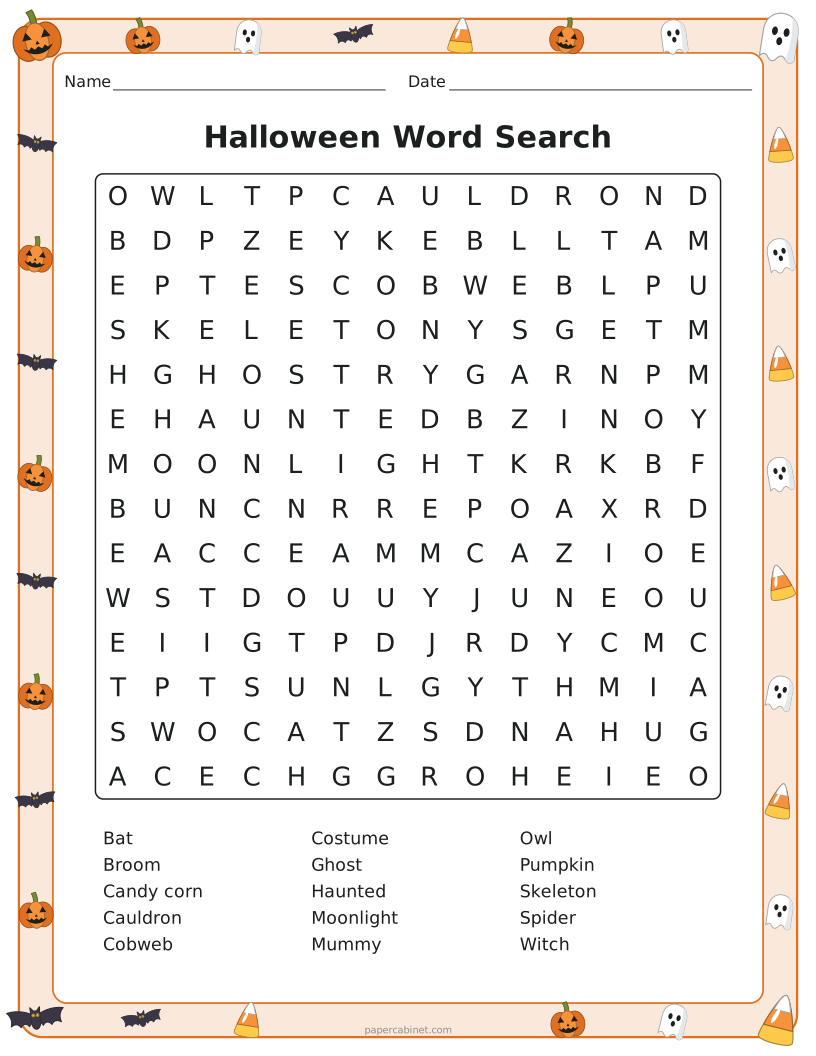
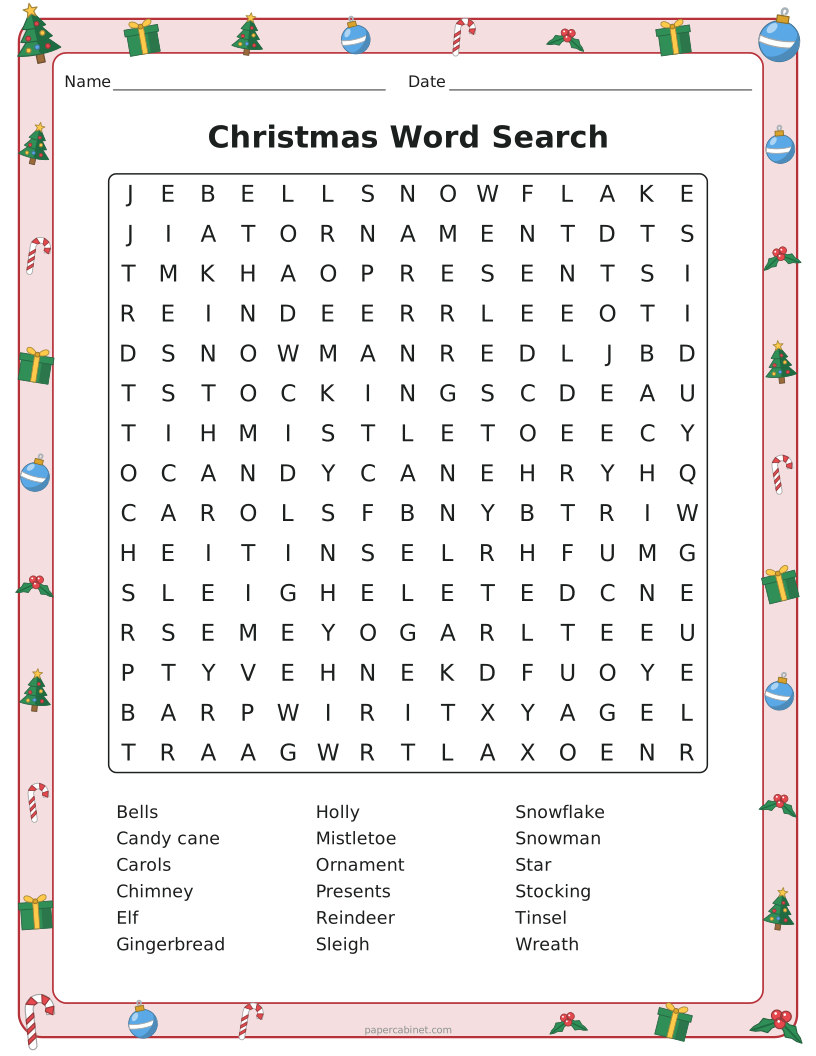
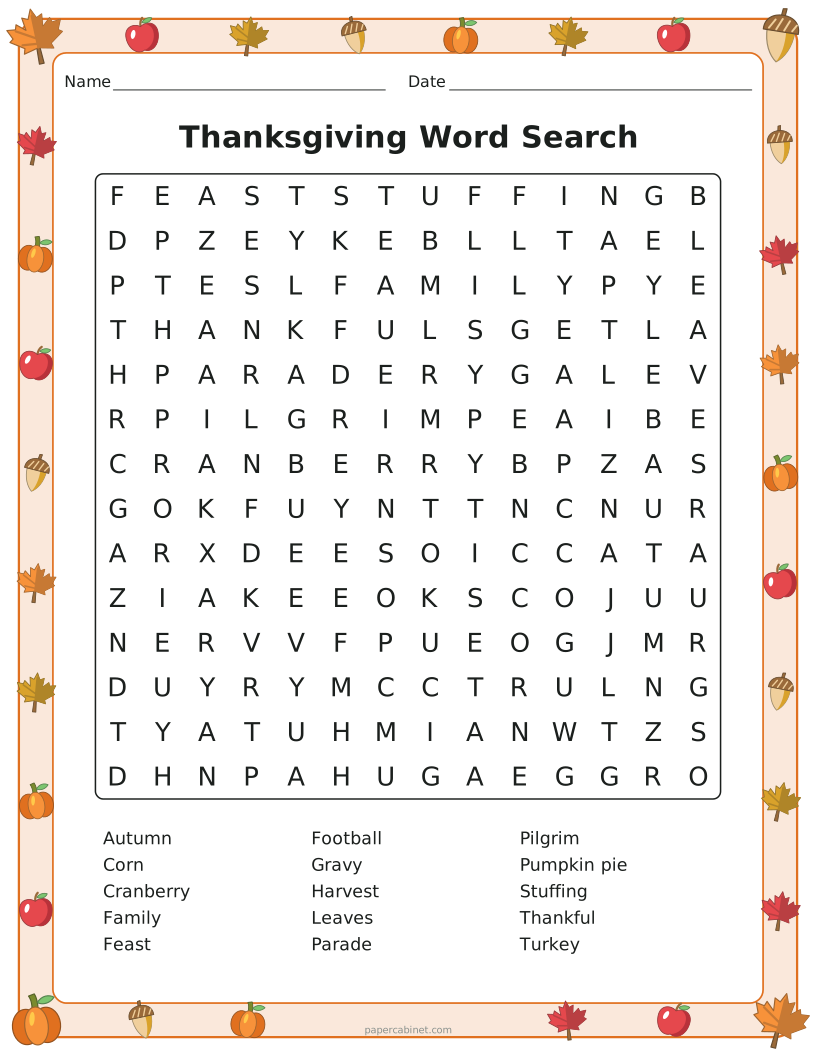
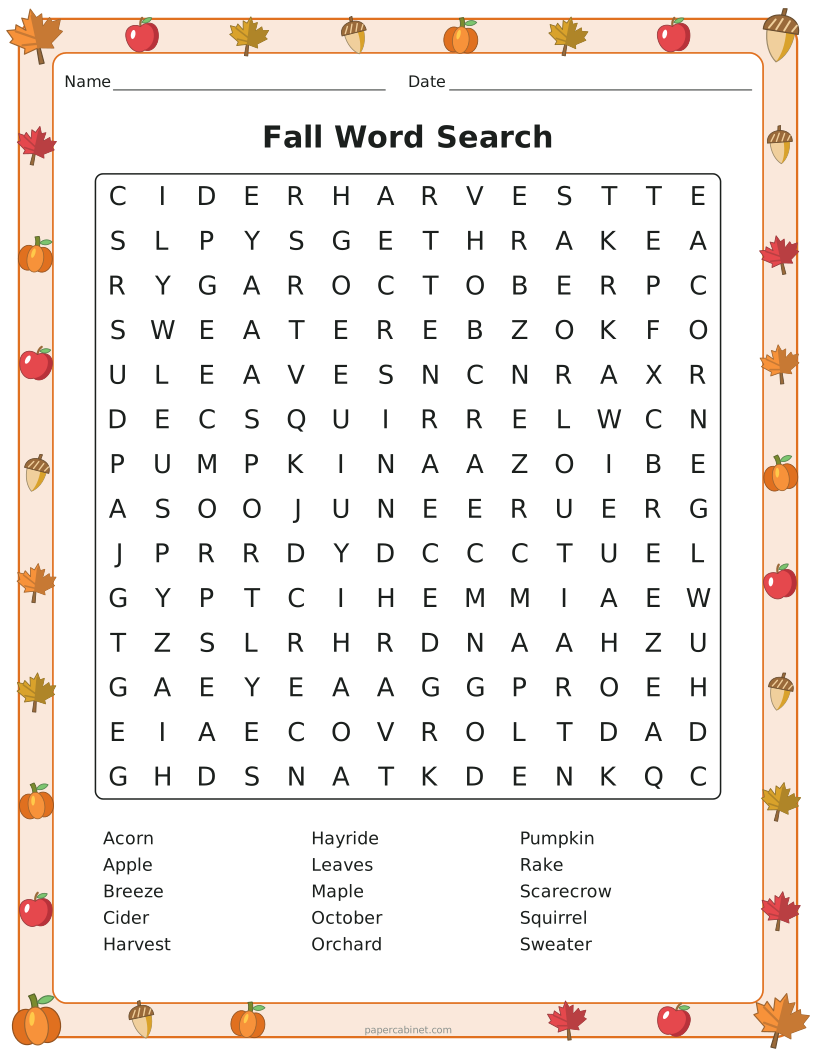
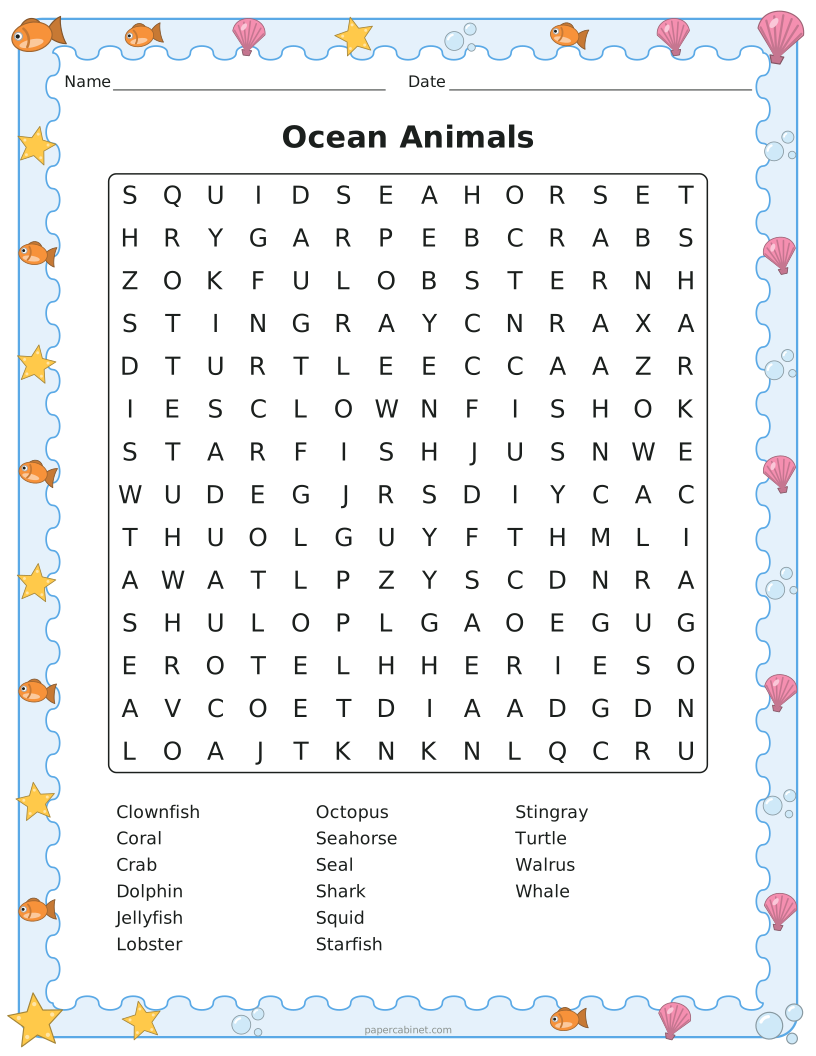
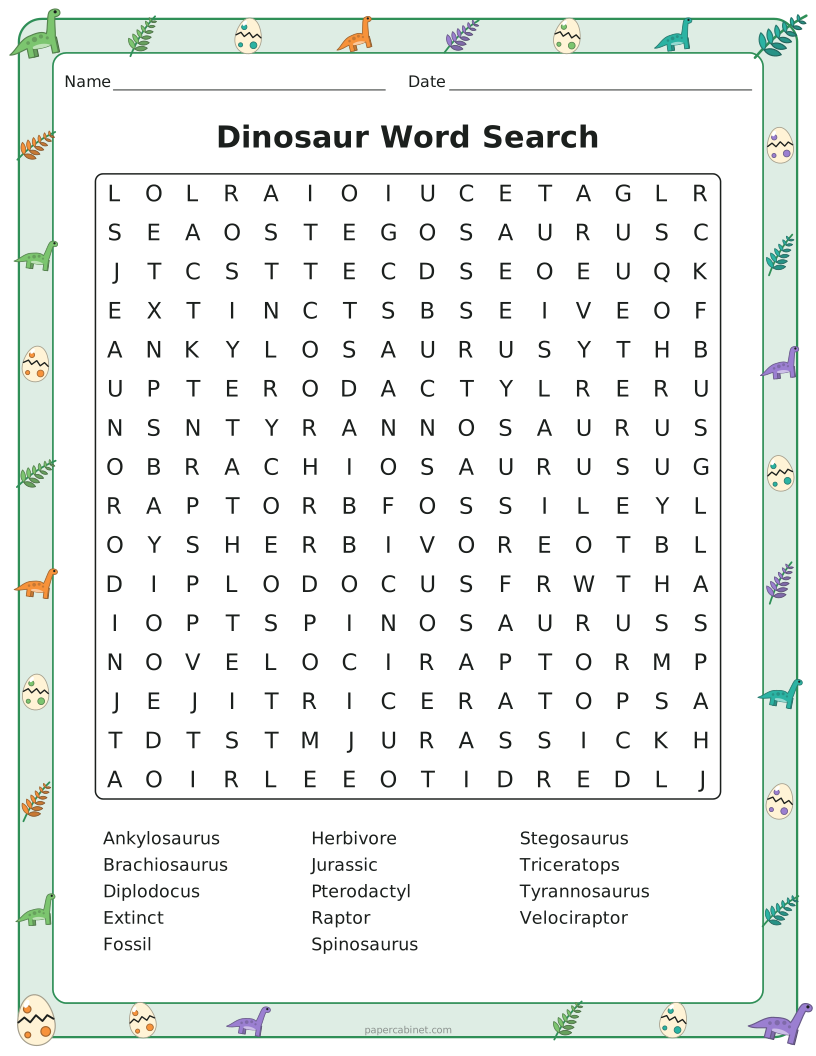
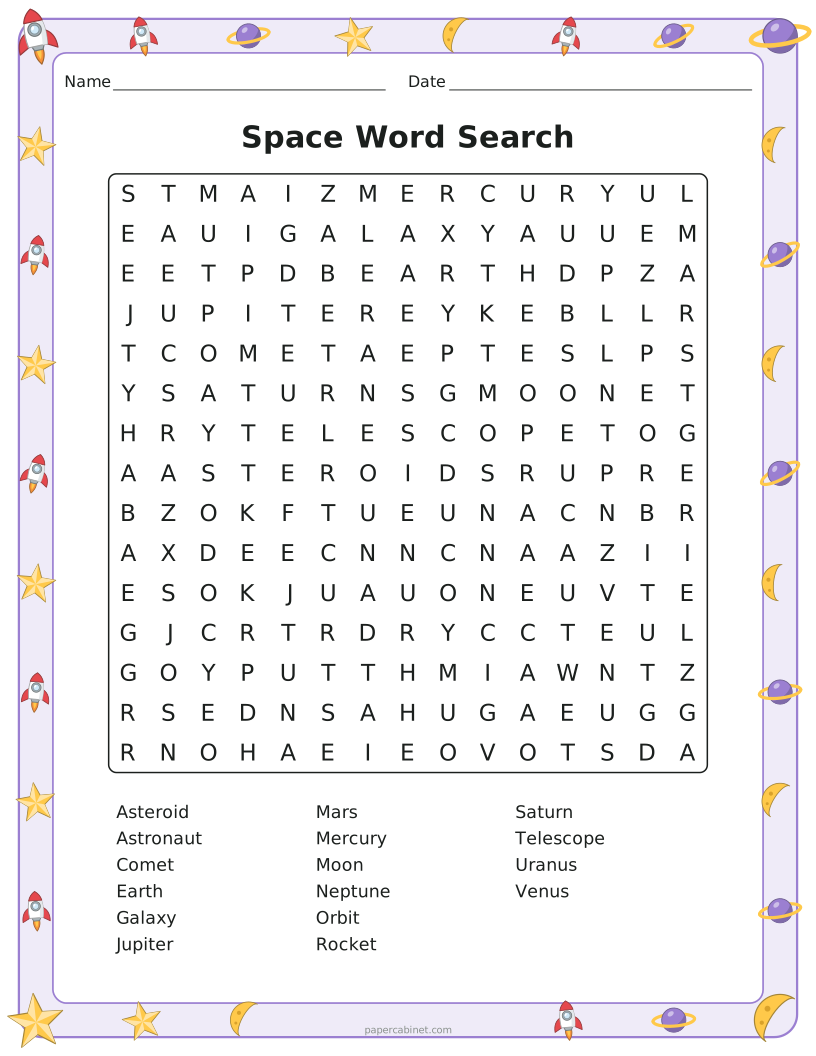
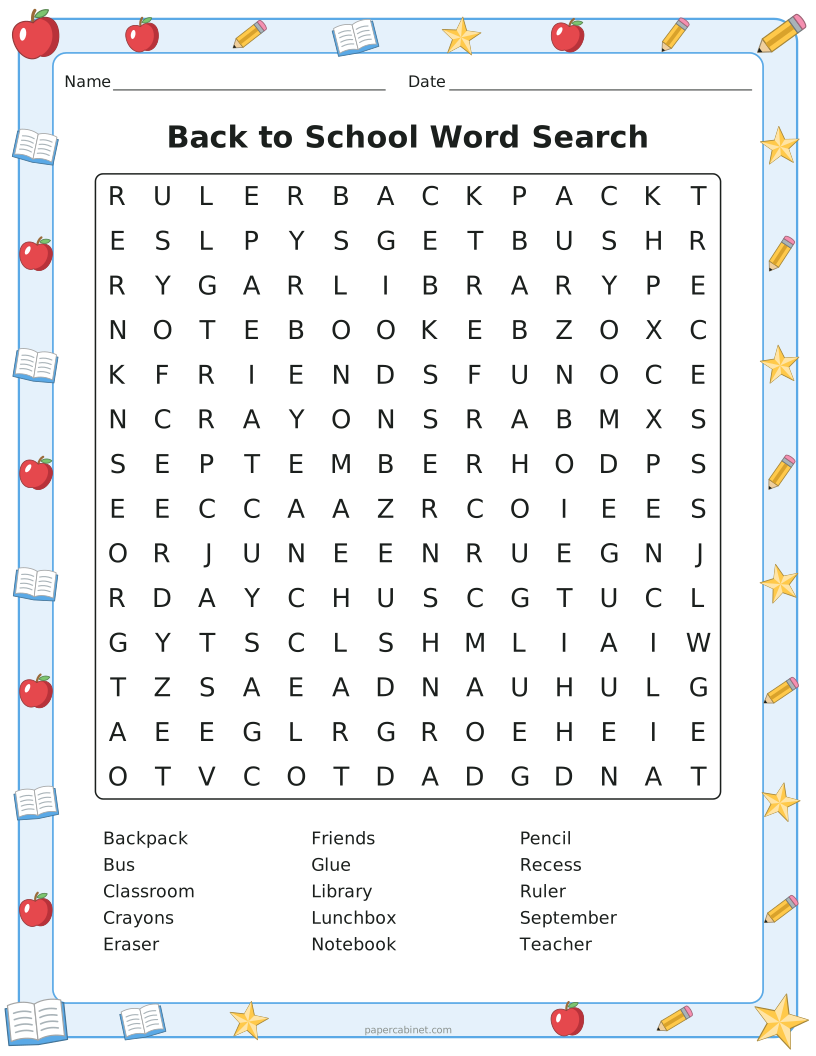
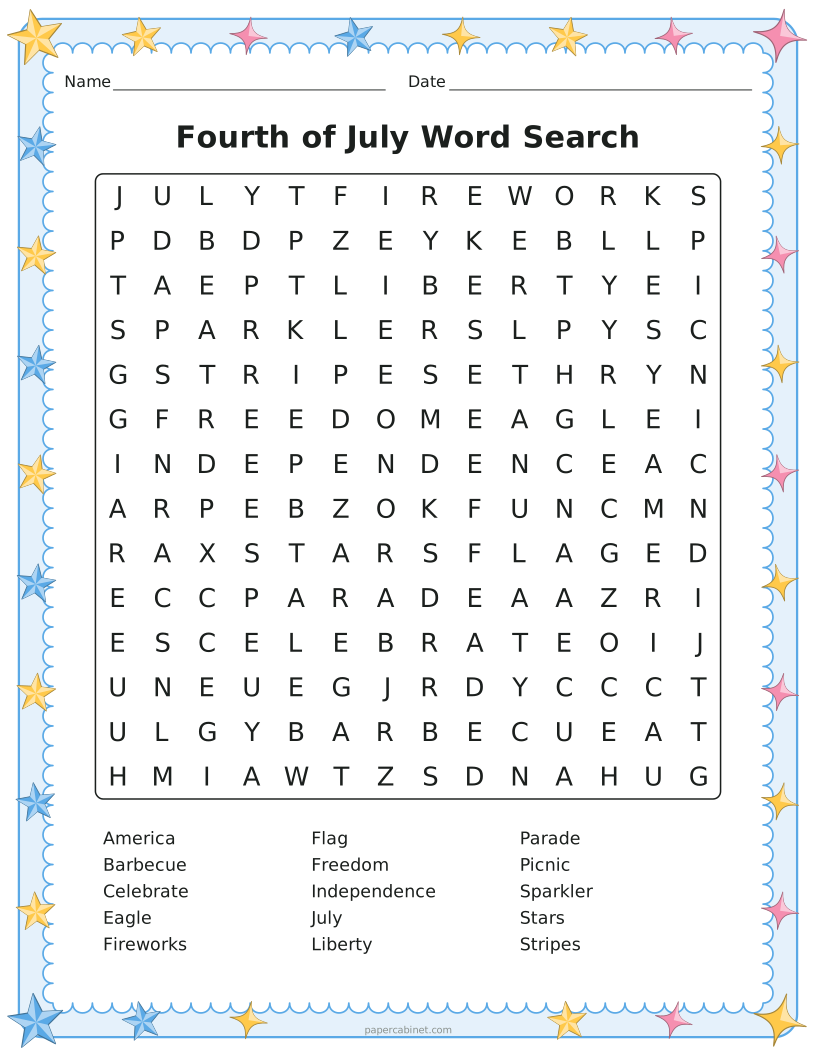
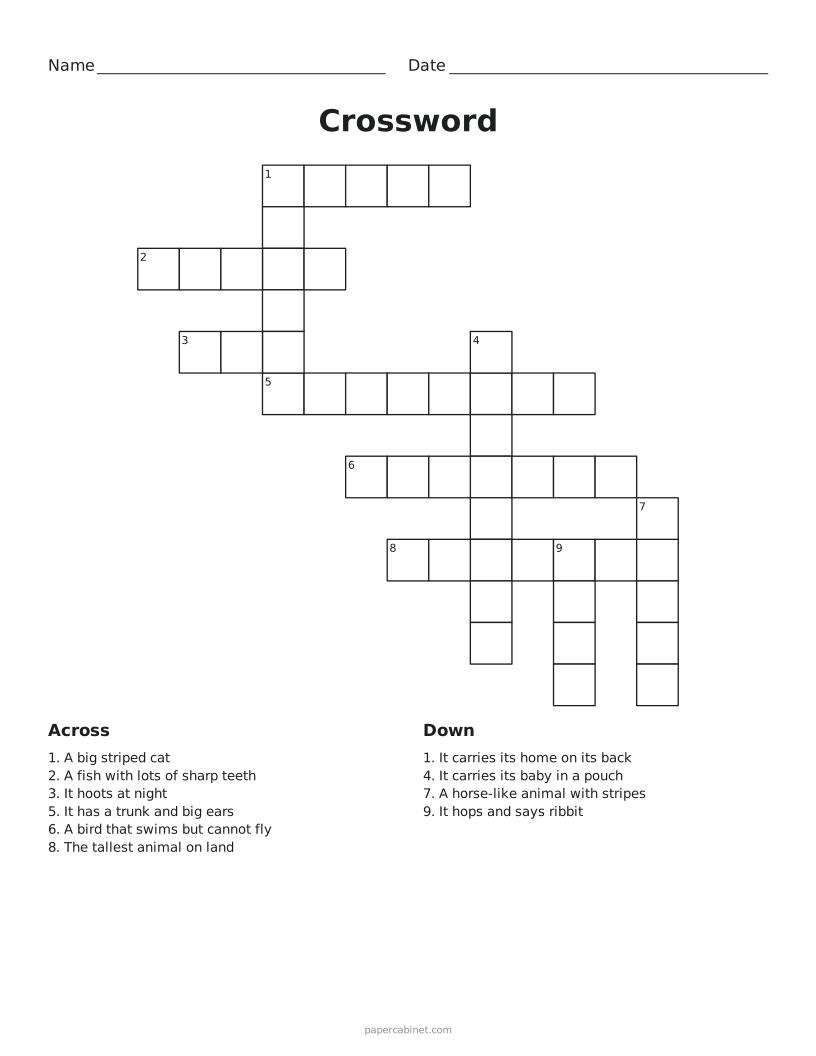
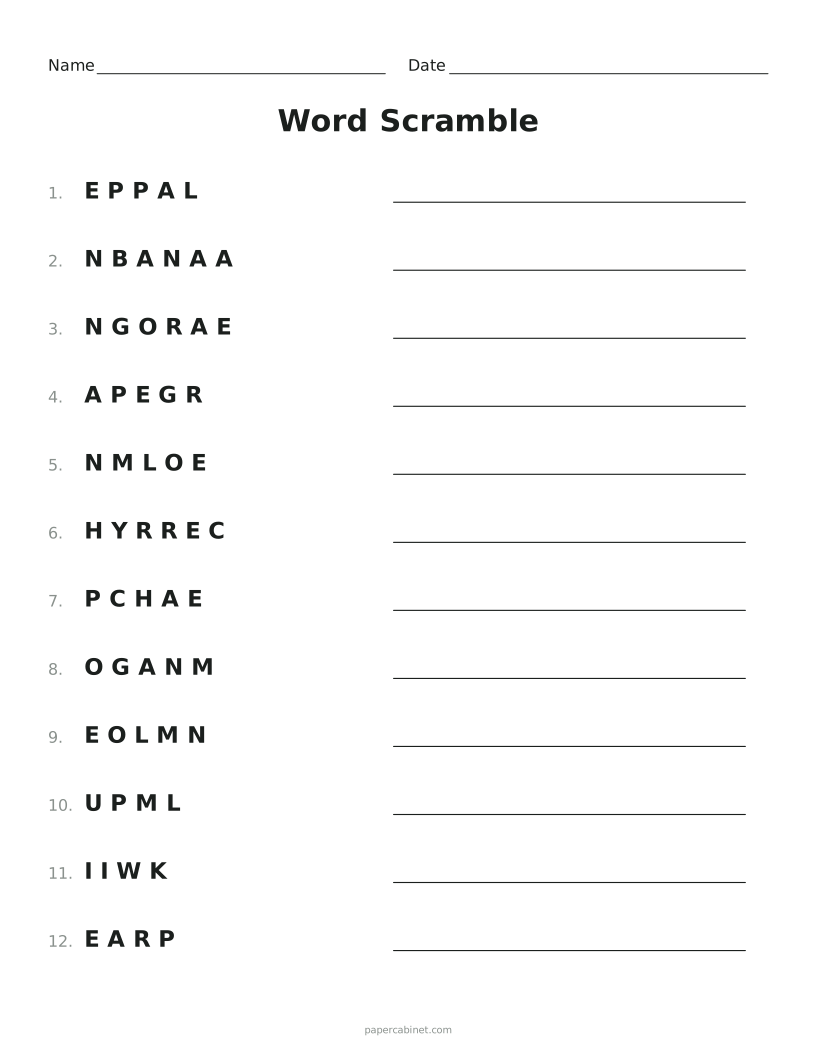
Three steps to a printed page
-
Type the words to hide, one per line.
-
Choose a grid size and difficulty. Bigger grids with fewer words are harder to search.
-
Press Print. The answer key prints on its own page so you can keep it back.
Picking the right size
For kindergarten and first grade, a 10×10 grid with 6 to 8 words on easy is plenty. Second and third graders do well with 12×12 to 14×14 and medium difficulty. Older kids and adults like 18×18 and up on hard, where every word could run in any direction.
A useful rule: the longest word sets the smallest grid you can use. If one word is 12 letters, the grid needs to be at least 12 across.
Using word searches in class
Word searches are at their best with this week's spelling or vocabulary list. Kids look at each word letter by letter while they search, which is exactly the attention spelling needs.
They also make a good "when you finish early" sheet. Keep a stack by the door and nobody is left with nothing to do.
Frequently Asked Questions
Can I make a word search with my spelling words?
Yes. Type or paste your list into the words box, one word per line, and the puzzle updates as you type.
Do word searches come with answers?
Yes. Leave "Add an answer key page" switched on and a second page prints with every word highlighted.
Why didn't all my words fit?
A crowded grid sometimes has no room left for the last few words. Make the grid one or two sizes bigger, take out a word or two, or press Shuffle to try a different arrangement.
Can words have spaces, like "ice cream"?
Yes. Spaces and punctuation are dropped in the grid, so "ice cream" is hidden as ICECREAM, but the word list shows it the way you typed it.