

Three steps to a printed page
-
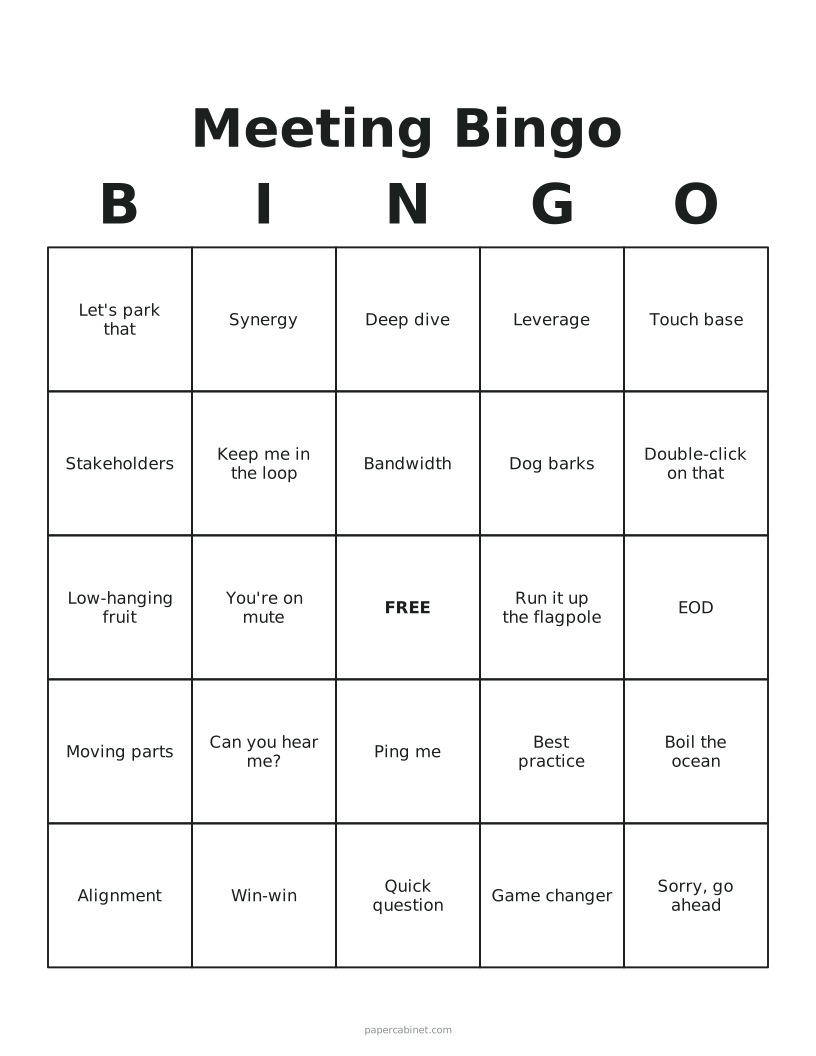
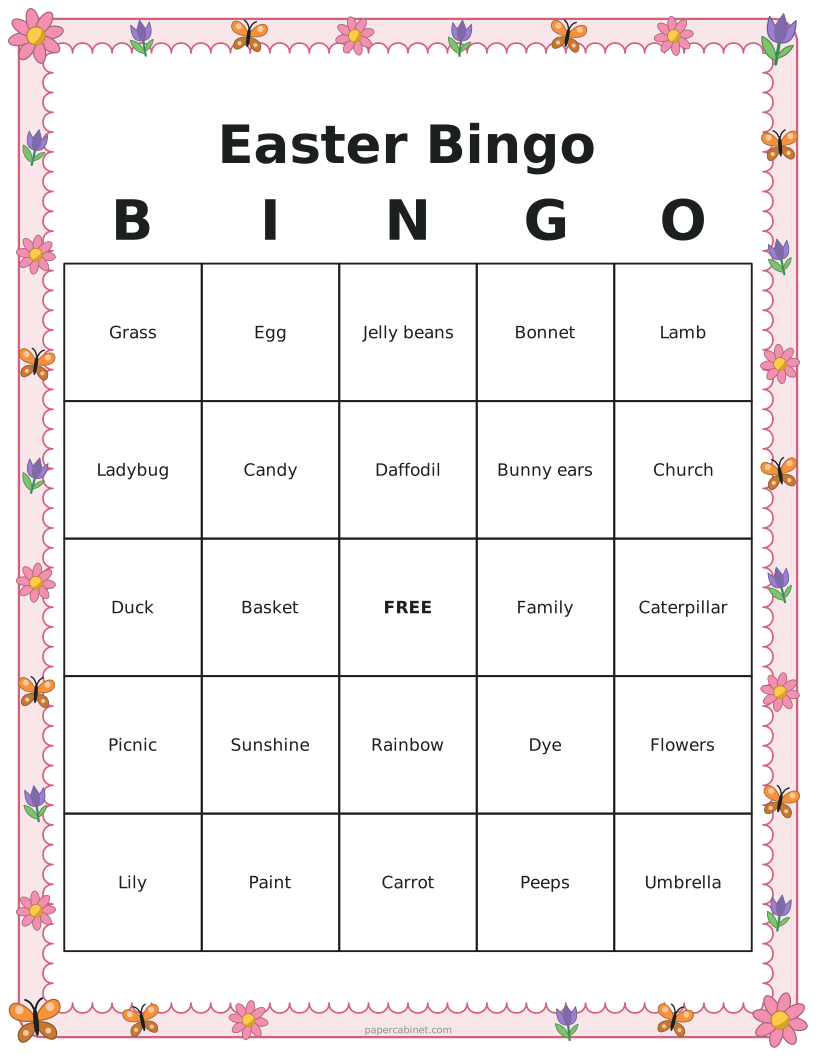
Type one word or phrase per line, or switch to numbers 1–75.
-
Choose 3×3, 4×4 or 5×5 squares and how many cards you need.
-
Press Print. Pick "Save as PDF" in the print window if you want a file instead.
Frequently Asked Questions
Is Halloween bingo too scary for little kids?
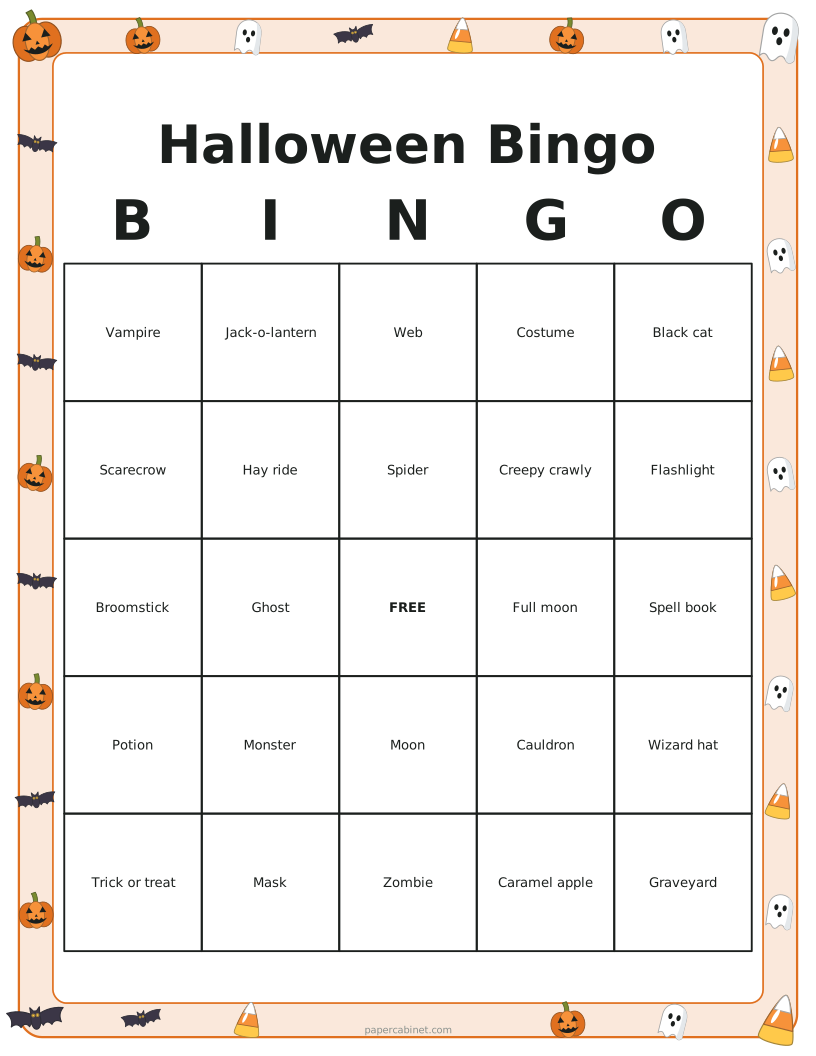
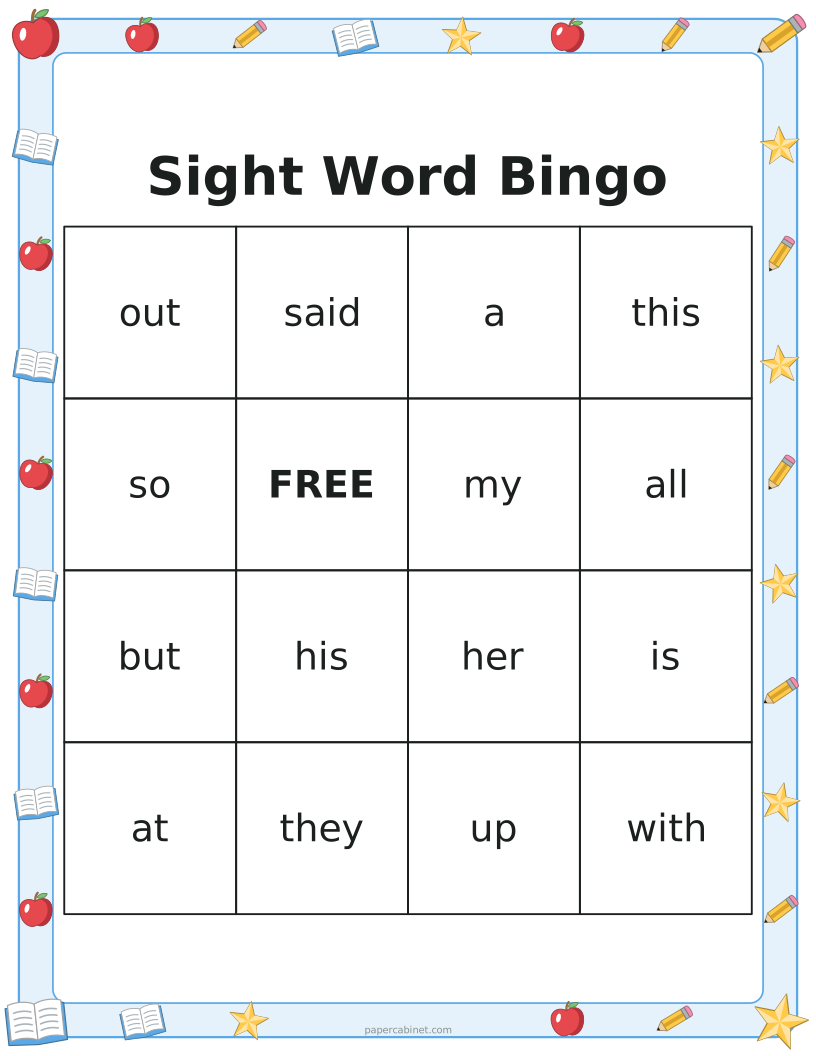
No. The words are pumpkins, costumes and candy rather than anything gory. For preschoolers, switch the card size to 3 × 3 so there are only nine squares.
Are the bingo cards really all different?
Yes. Every card in a set is checked against the others before it is drawn, so no two are the same. Press Shuffle to deal a whole new set.
How do I print bingo cards as a PDF?
Press Print, then choose "Save as PDF" (or "Microsoft Print to PDF" on Windows) as the printer. You get a PDF with one card or several per page, depending on your settings.
What numbers go in each column of 75-ball bingo?
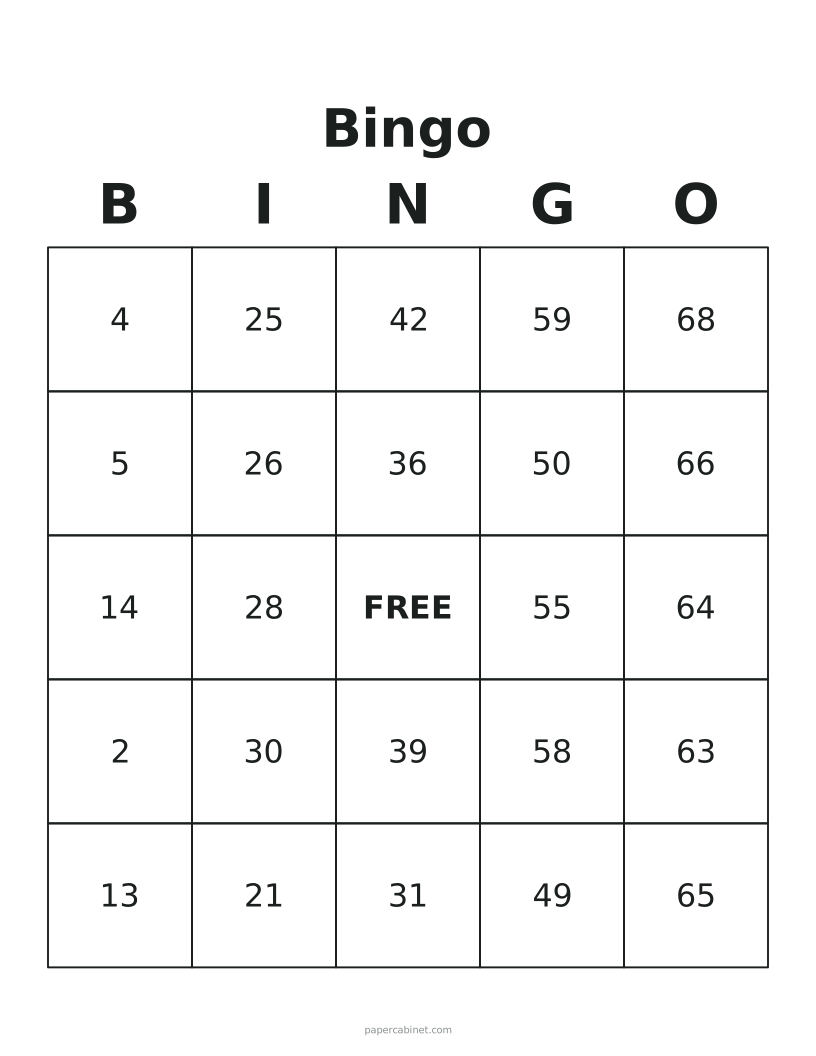
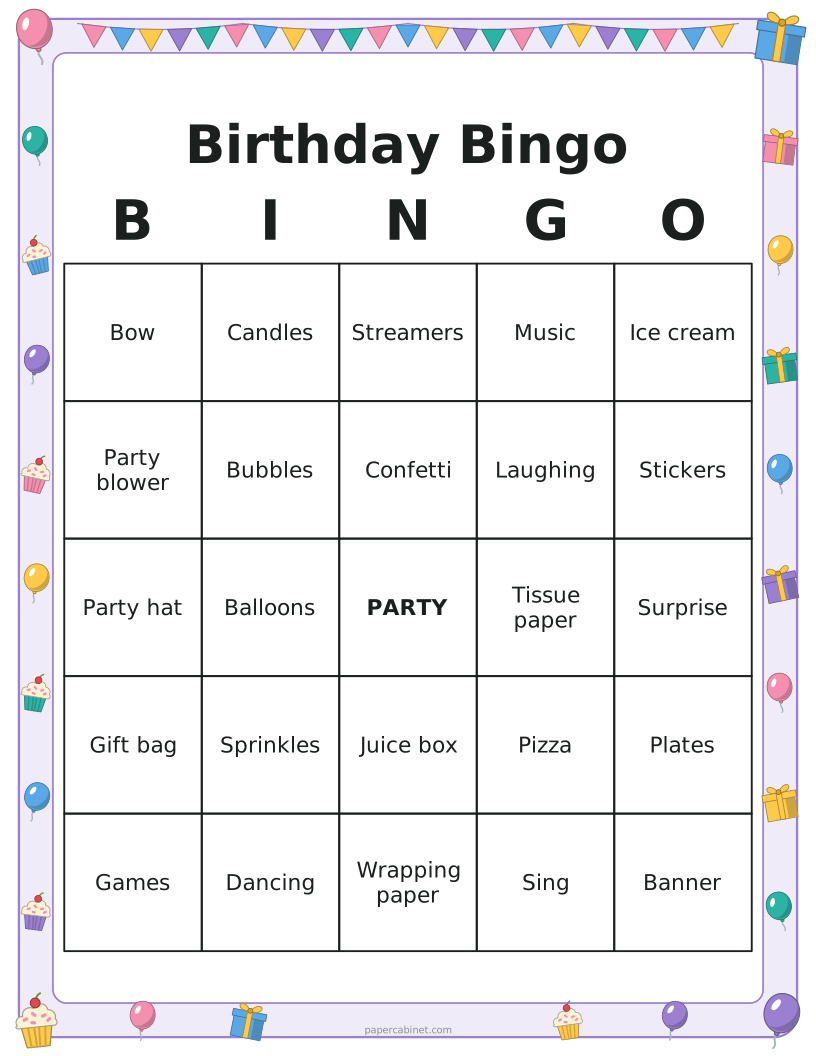
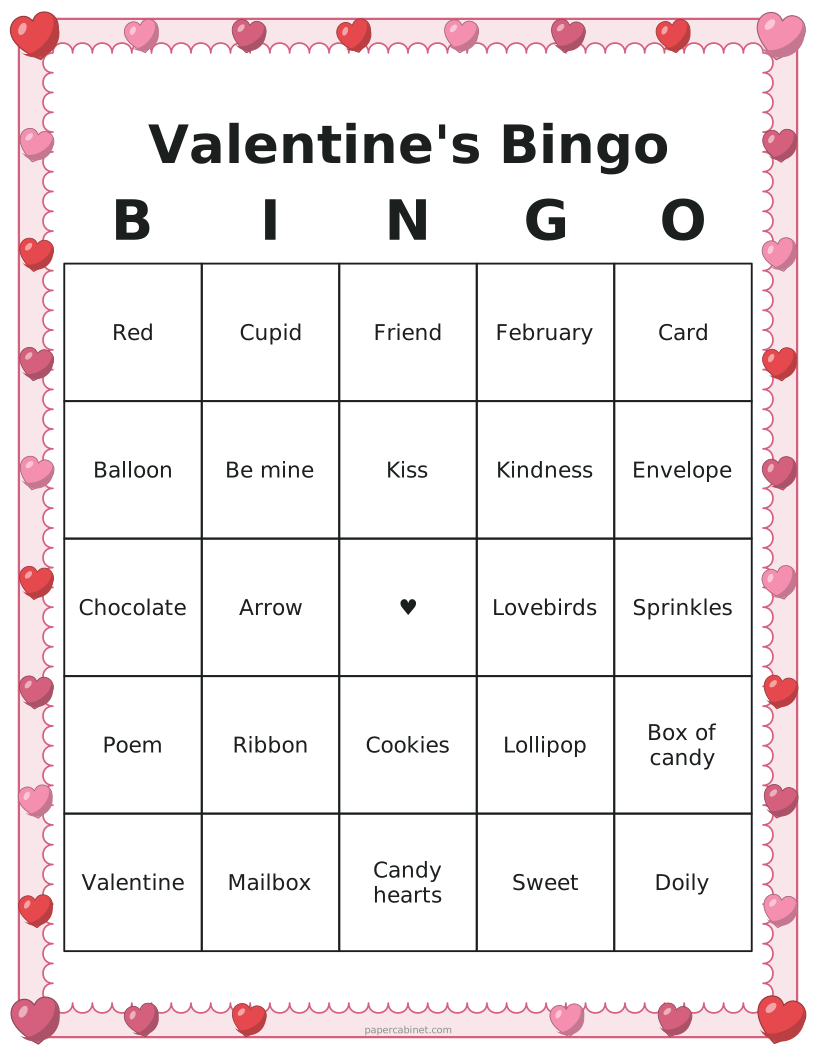
B is 1–15, I is 16–30, N is 31–45, G is 46–60 and O is 61–75. The N column has the free space.
Can I put several bingo cards on one page?
Yes. Choose 2 or 4 cards per page to save paper. Four per page works well for 3×3 and 4×4 cards; 5×5 cards with long phrases are easier to read at one or two per page.