

Three steps to a printed page
-
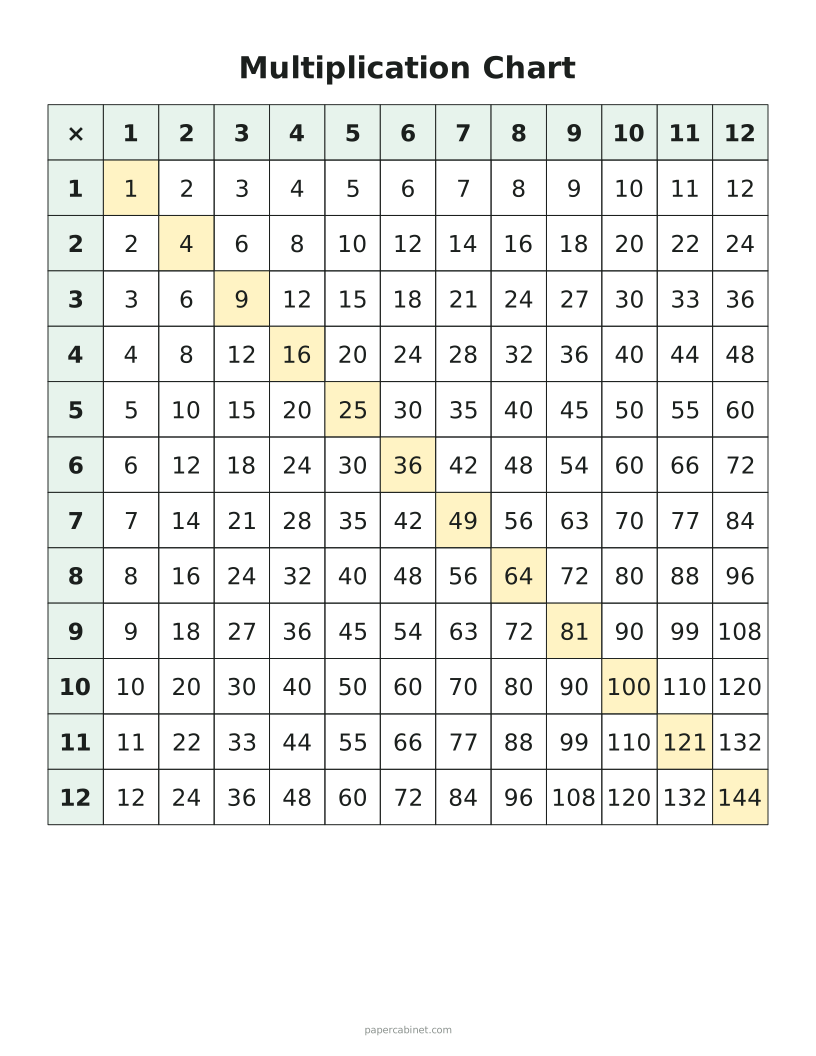
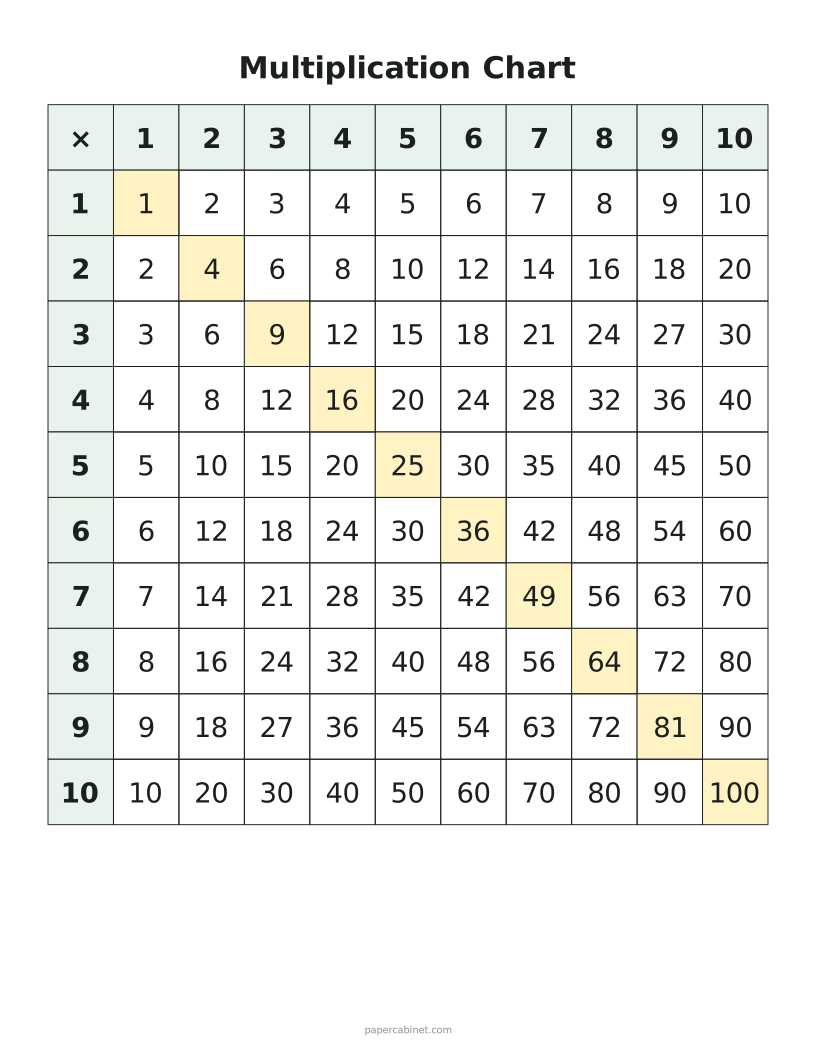
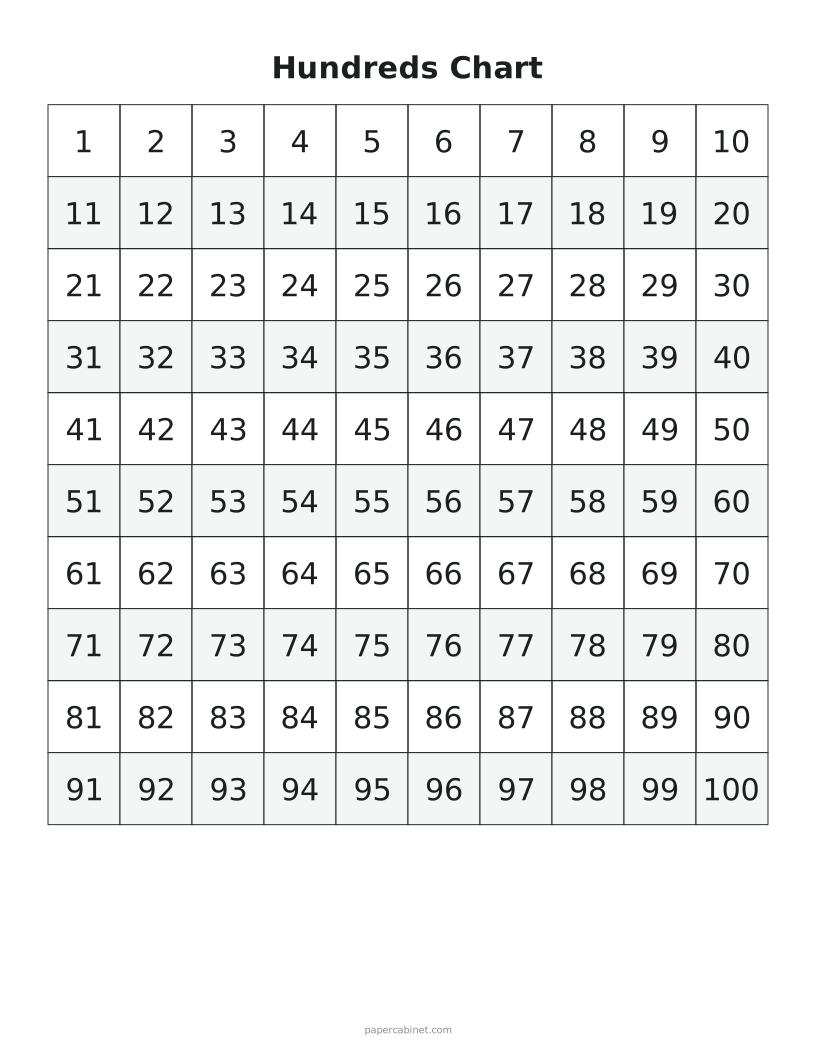
Choose a multiplication chart or a hundreds chart, and its size.
-
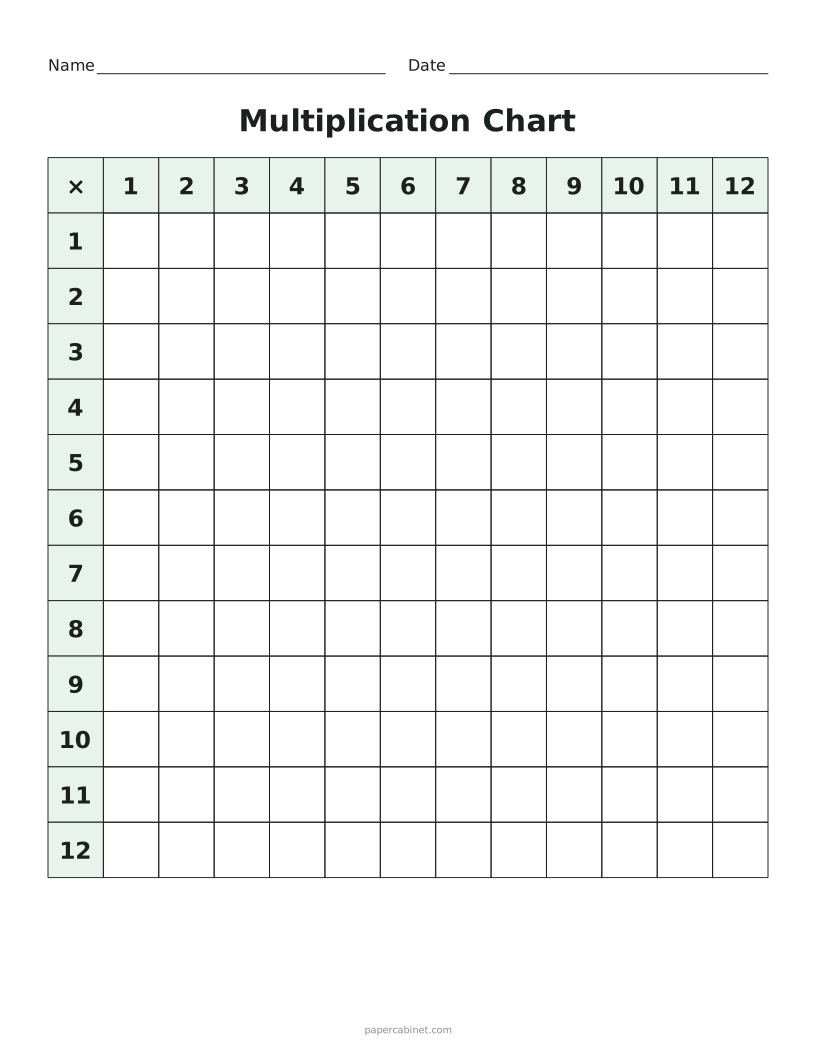
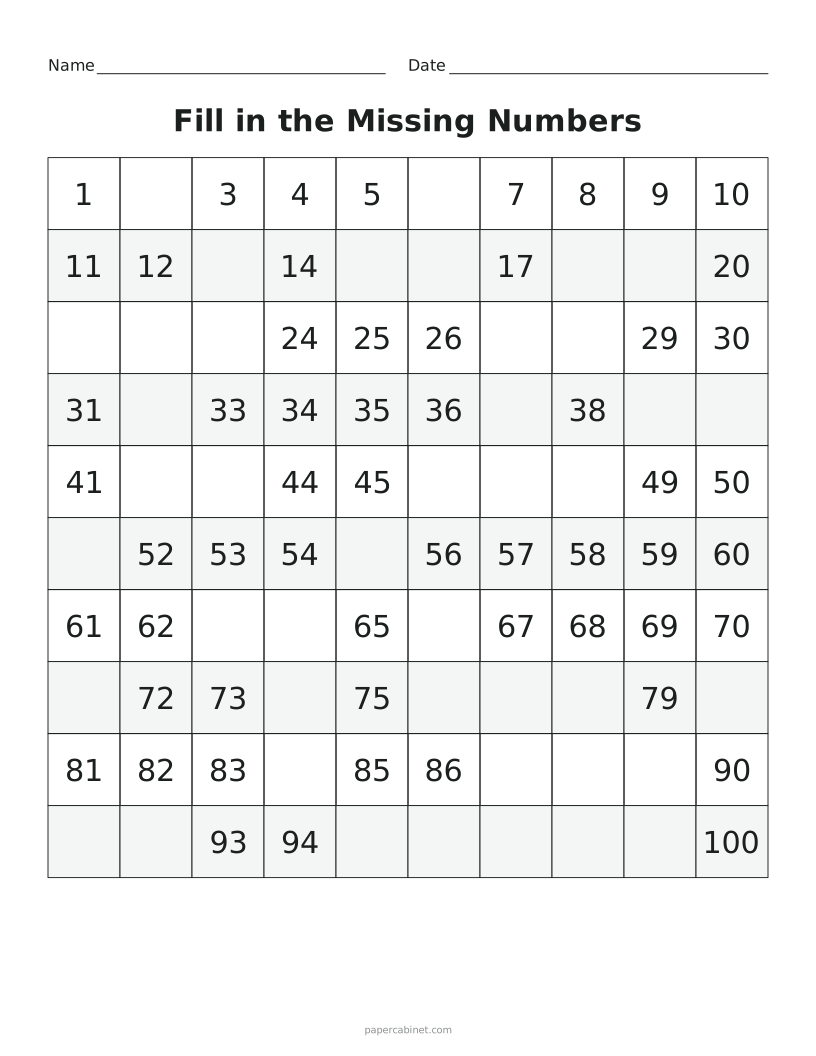
Leave every number showing, or hide some or all of them for fill-in practice.
-
Press Print. Shuffle gives a different set of blank squares.
Frequently Asked Questions
Why use a 120 chart instead of a hundreds chart?
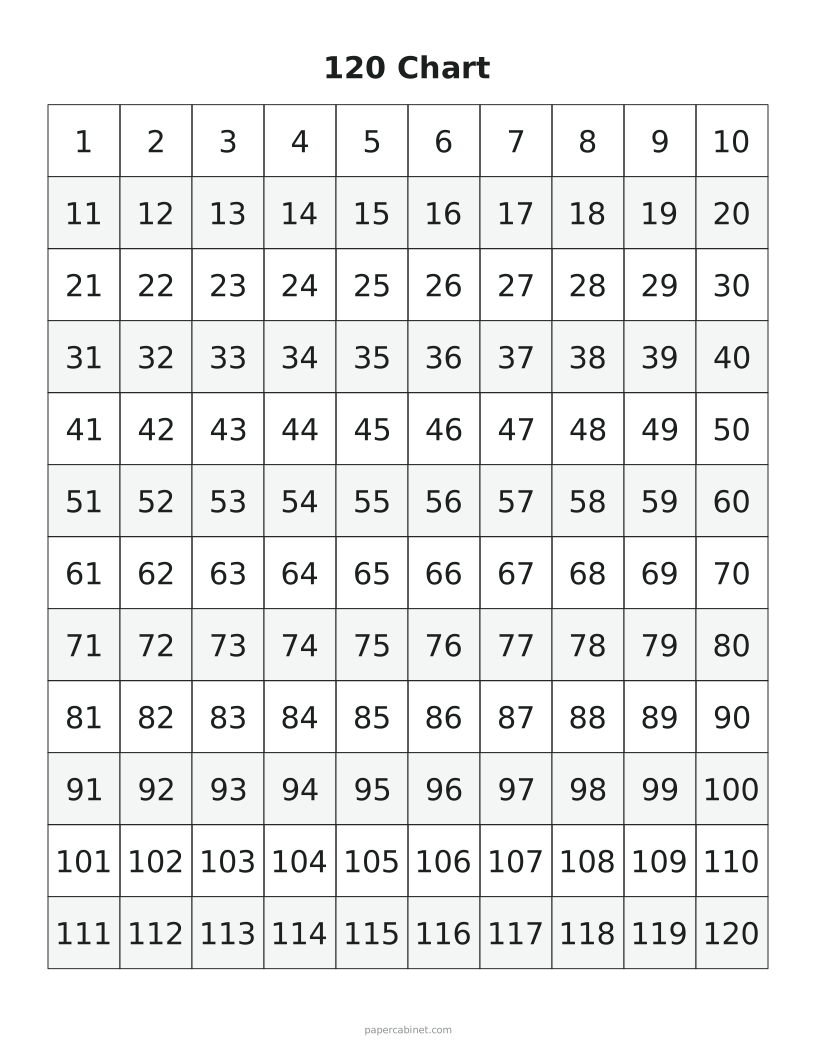
First grade standards ask children to count to 120. The extra two rows show that the pattern keeps going past 100.
What size multiplication chart do schools use?
Most US schools use 12 × 12. A 10 × 10 chart is common for younger grades, and 15 × 15 is useful for extra challenge.
What is a 120 chart?
A hundreds chart that keeps going to 120, so kids practise counting past 100, which is a first-grade standard in many states.
Can I print a blank hundreds chart?
Yes. Choose Hundreds, then "Blank" under fill-in practice for an empty 10 × 10 grid.