
Three steps to a printed page
-
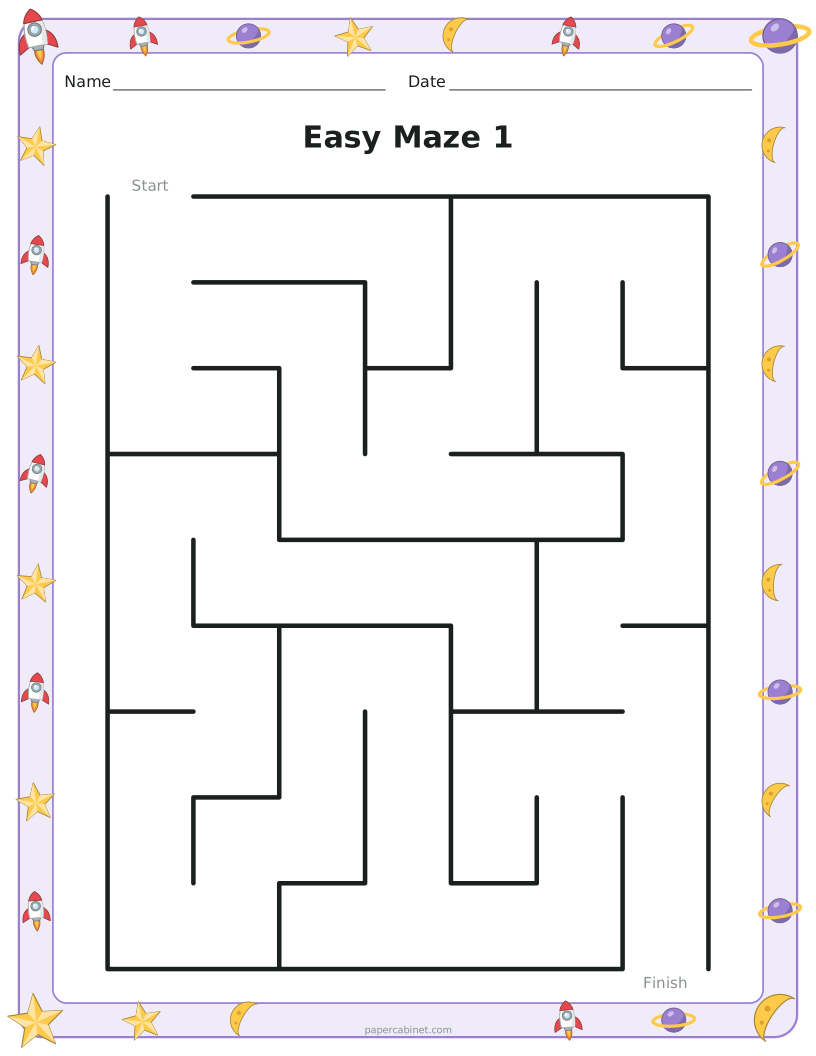
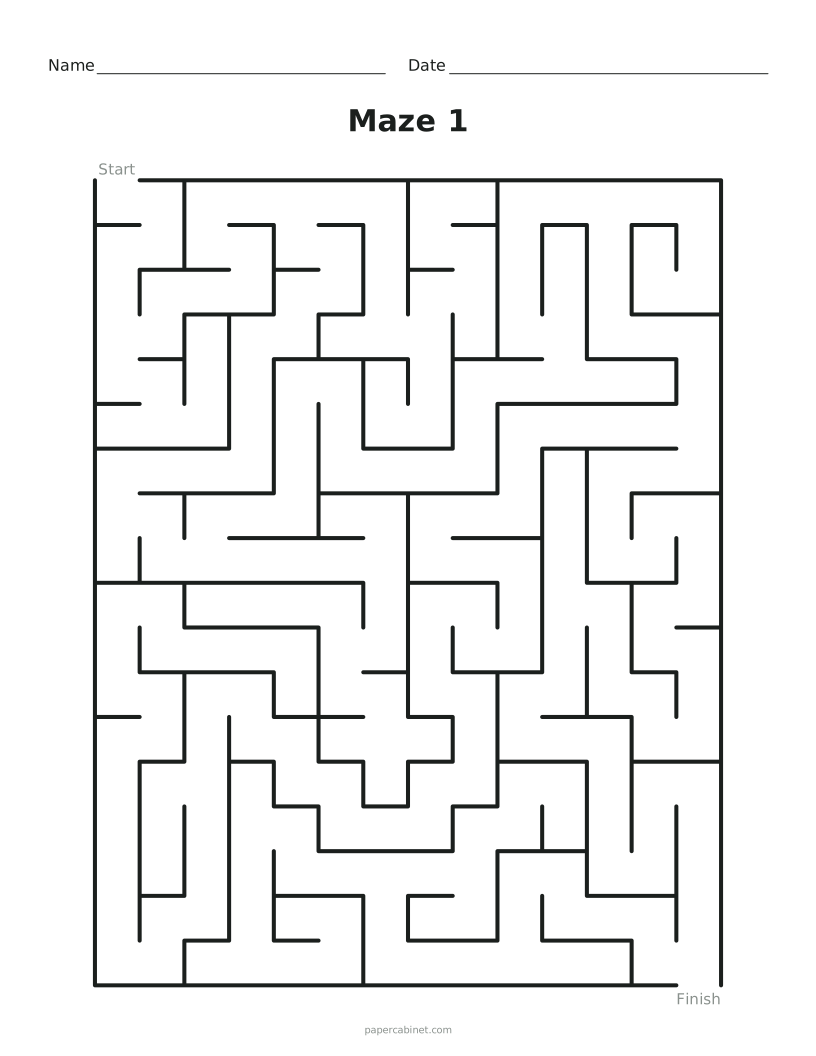
Choose how many squares across and down. Fewer squares means an easier maze.
-
Set how many different mazes you want. Each prints on its own page.
-
Press Print. Solutions print after the mazes so you can keep them separate.
Frequently Asked Questions
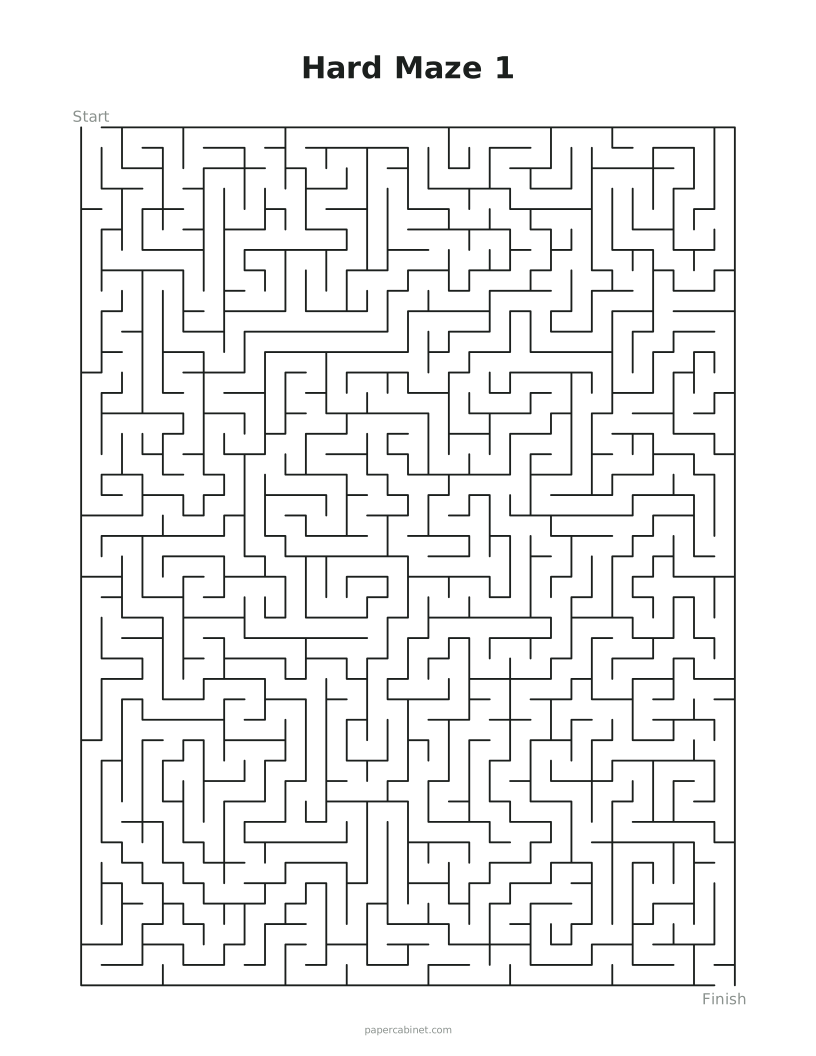
Are the hard mazes too small to read?
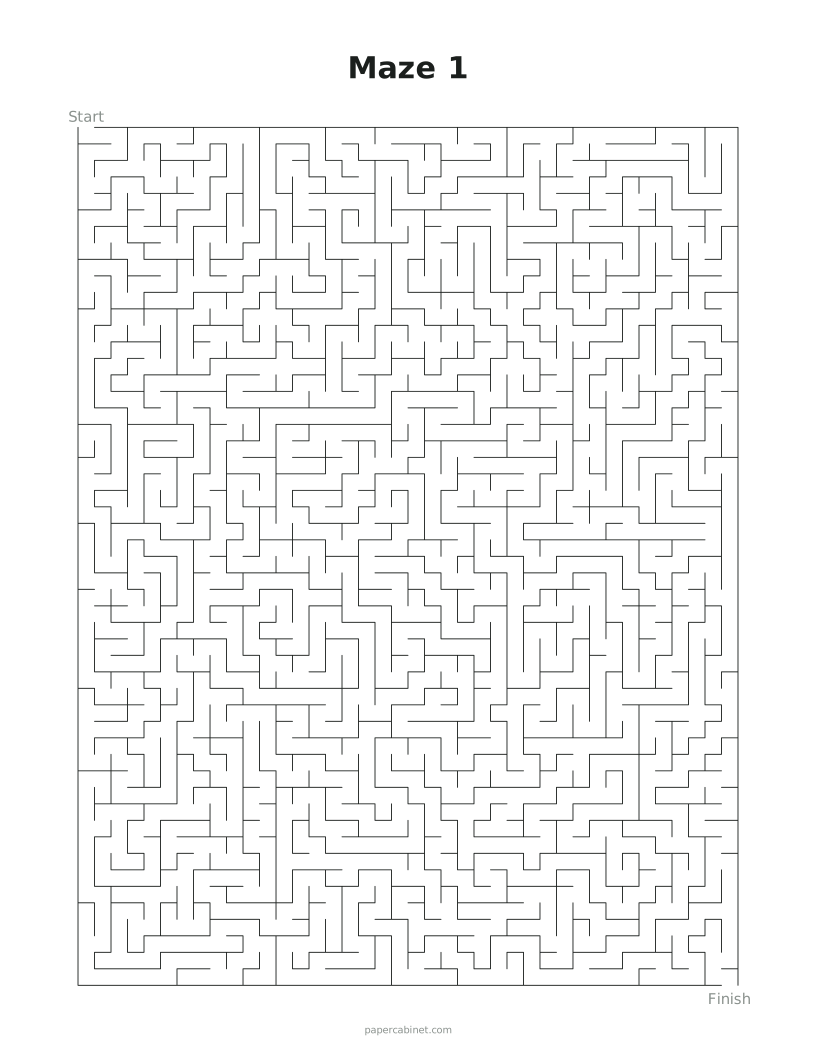
The corridors are about 5 mm wide, so a fine pen or sharp pencil works best. For something less fiddly, open the generator and lower the width and height.
Do the mazes come with answers?
Yes. Leave "Add solution pages" on and each maze gets a matching page with the route drawn in green.
Can I print a whole book of different mazes?
Yes. Set "How many mazes" up to 30 and each page is a new maze. Press Shuffle for a completely new set.
What size maze is right for a 5-year-old?
Start with about 8 squares across and 10 down. If they finish it in under a minute, go bigger next time.